Learning how to use Lua scripts for Roblox is the ultimate way to transform a basic 3D world into a living game. Most players start by wondering how their favorite creators build complex systems for inventory management or combat mechanics within the platform. This guide explains why the Luau language is the standard choice for the platform and where you can find the best resources to improve. We cover how beginners can start their journey in Roblox Studio today using simple commands and variables. By understanding who the top developers are and when they implement specific updates you can stay ahead of the curve in this competitive market. This informational guide offers deep insights into scripting logic performance optimization and safety protocols for modern gaming experiences.
Related gamesHow do I learn Lua scripts for Roblox?
The best way to learn is by opening Roblox Studio and experimenting with basic scripts in the Command Bar or within Parts. Start with simple tasks like changing properties then move to functions and events. Utilize the official Roblox Documentation and community tutorials on YouTube or the DevForum to understand the API and Luau syntax better over time. Consistency is key to mastering these skills.
Most Asked Questions about Lua Scripts for Roblox
What is the difference between Lua and Luau?
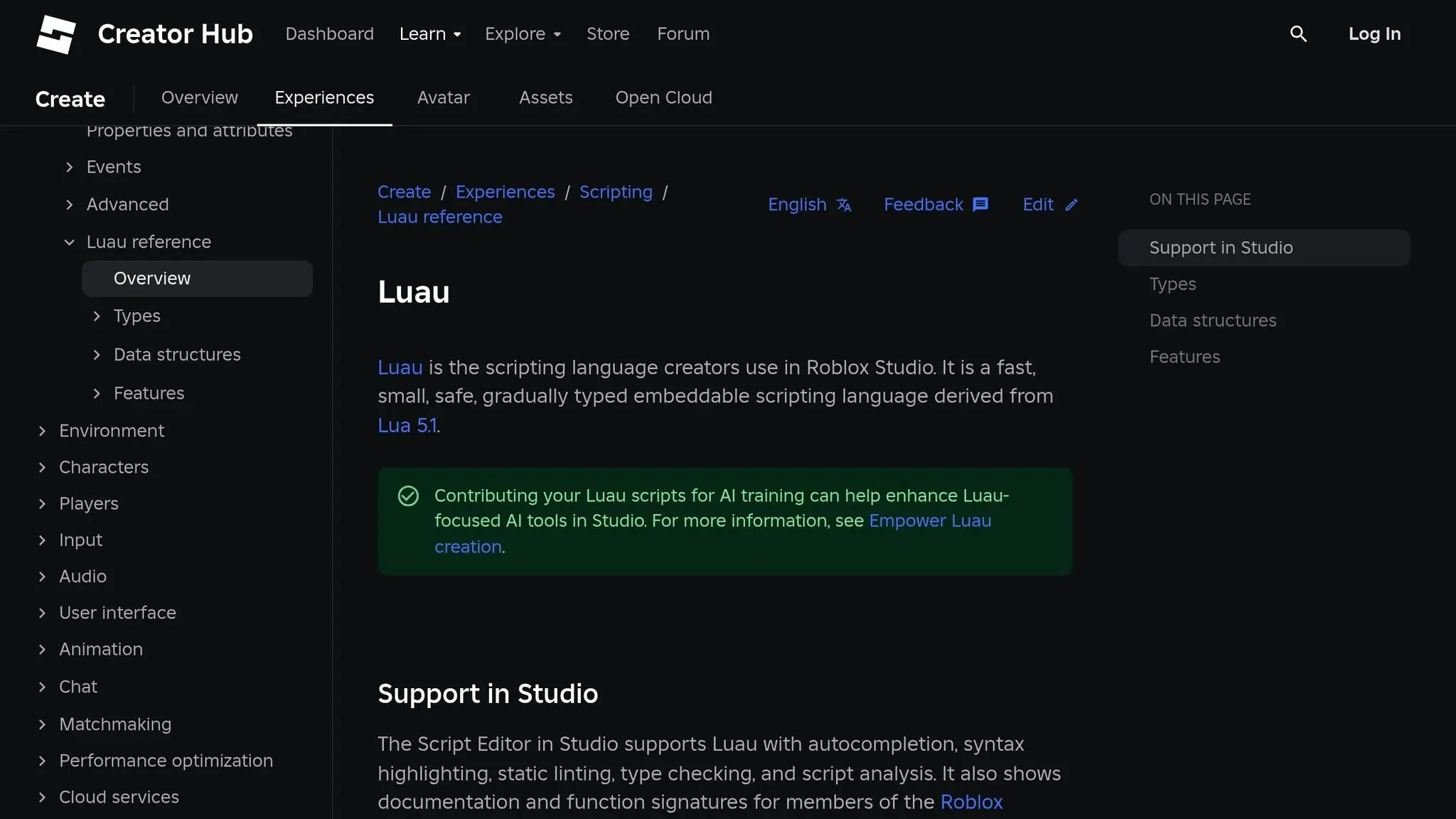
Luau is a specialized version of Lua 5.1 created by Roblox to provide better performance and type checking for developers. It includes features like a faster virtual machine and improved memory management compared to standard Lua. Most creators use Luau today because it is specifically designed for the Roblox engine environment. This allows for more complex games without sacrificing user frame rates.
How do I fix lag in my Roblox scripts?
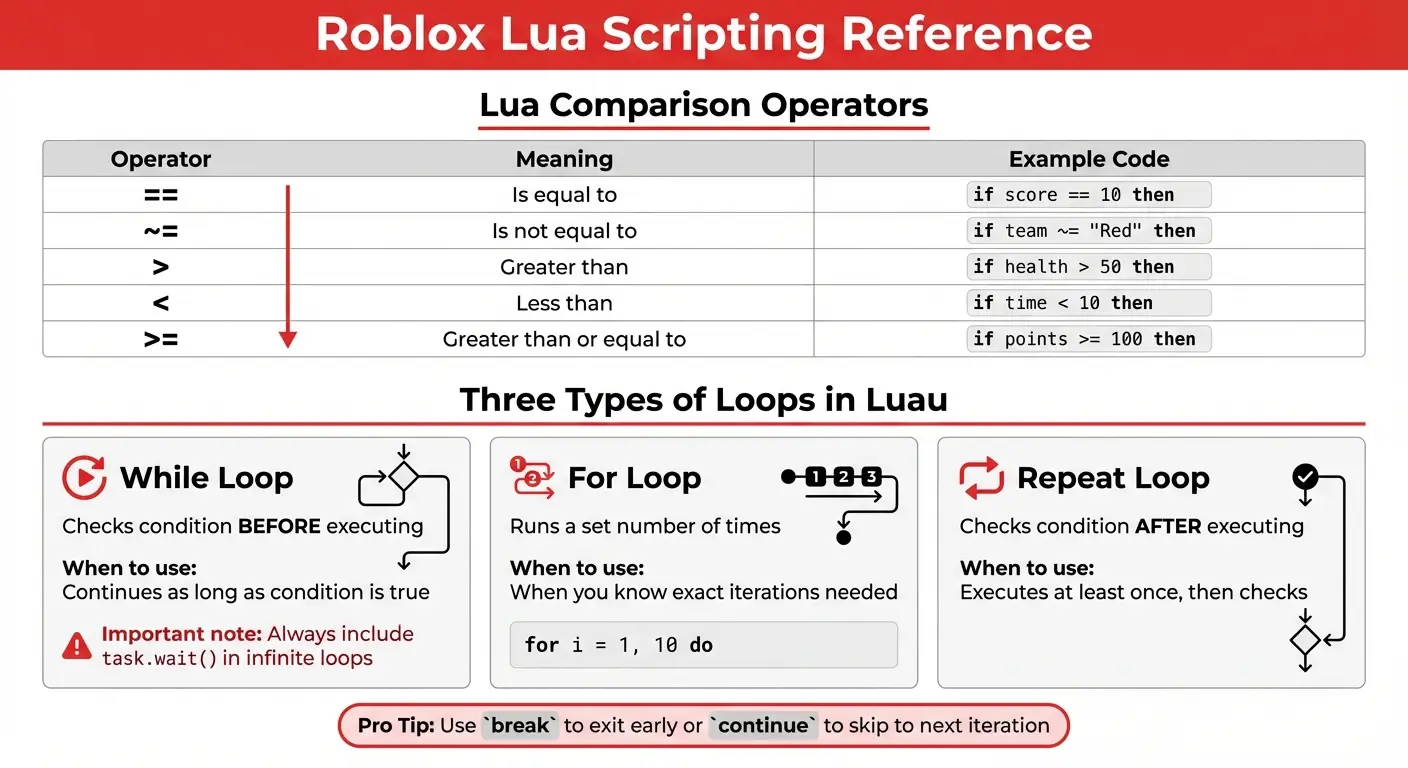
Script lag is usually caused by infinite loops without waits or too many calculations happening on a single frame. Use task.wait instead of the standard wait function to align with the engine frame rate. Also ensure you are not creating new instances inside loops unless absolutely necessary for the game logic. Efficient use of events instead of constant polling can also significantly boost your performance.
Why are my RemoteEvents not working?
RemoteEvents require a specific setup where one side sends a signal and the other side listens for it. Ensure you are using FireServer from a LocalScript and OnServerEvent in a regular Script for server communication. Common mistakes include mismatched names or trying to fire events before the receiver is ready. Checking the output window for error messages is the fastest way to debug these connectivity issues.
What are the best security practices for scripting?
The most important rule is to never trust data coming from the client because it can be manipulated by exploiters. Always perform server side validation for actions like buying items or dealing damage in combat. Use the FilterEnabled environment to its full potential by keeping game logic on the server. Proper use of RemoteFunctions and RemoteEvents with sanity checks will keep your community safe from most common hacks.
How do I use ModuleScripts effectively?
ModuleScripts allow you to write reusable code that can be accessed by both server scripts and local scripts easily. They are perfect for storing shared data tables or common mathematical functions used across multiple game systems. You load a ModuleScript using the require function which returns whatever value or table the module exports. This promotes clean code and makes it much easier to update your game mechanics globally.
Still have questions?
If you are still struggling with your code check out our deep dive guides on DataStores and Advanced Raycasting for Roblox. You can also visit the official Roblox Developer Forum to ask the community for specific help with your project scripts. Every expert was once a beginner so do not be afraid to keep asking questions until you find the solution you need for your game!
Have you ever wondered how your favorite Roblox games manage to handle hundreds of players while keeping every interaction perfectly synchronized? This is the magic of Lua scripts for Roblox which act as the underlying nervous system for every single interaction you experience. I remember when I first opened Roblox Studio and felt completely overwhelmed by the code editor but it is actually quite friendly. You are essentially telling the game what to do when a player touches a part or clicks a specific button on screen. In this deep dive we will explore how you can go from a total novice to a scripting pro in no time.
The Power of Luau in Modern Game Design
Roblox uses a specific version of Lua called Luau which is optimized for speed and safety across all different types of devices. This language allows developers to create complex systems without needing a massive degree in computer science because the syntax is very readable. Why is this important for you as a creator looking to build the next big hit on the popular gaming platform? It is important because efficient code ensures that your game runs smoothly on mobile phones and high end gaming computers alike. Most successful developers focus on clean code structure to prevent lag and ensure that every player has a great time.
Core Concepts for Every Roblox Script
- Variables are containers that store information like player health or the amount of gold a character currently has in their inventory.
- Functions are blocks of code that perform specific tasks whenever they are called by another part of your game script.
- Events are triggers that tell the script when something happens like a player joining the server or a part being touched.
How to Structure Your Game for Success
When you are building a game you must decide where your scripts will live based on whether they affect the server or client. Server scripts handle important things like leaderboards and player data while local scripts handle things like user interface and camera movements. Why do we separate these two different types of logic into different containers within the Roblox Studio explorer window? We do this to ensure security so that exploiters cannot easily change their stats or ruin the experience for other people. Learning the client server model is the biggest hurdle for new developers but it becomes second nature with enough practice.
Beginner / Core Concepts
1. Q: How do I make a part change color when a player touches it in the game?
A: I totally get why this is the first thing everyone wants to learn because it makes your world feel alive. You simply use a Script inside the Part and connect a function to the Touched event which is very easy. Start by defining the part then use the Connect method to trigger a function that changes the Color property of the part. This is a classic beginner move that teaches you how events work in a 3D environment for the first time. Reality check: always make sure you check if the object touching the part is actually a human character before running code. Just add a simple if statement to verify that a humanoid exists within the touching object to avoid any errors. You have totally got this and will be making interactive traps in no time!
2. Q: What is the difference between a Script a LocalScript and a ModuleScript in Roblox?
A: This one used to trip me up too when I was first starting out with the Roblox Studio interface layout. A Script runs on the server a LocalScript runs on the player computer and a ModuleScript is a reusable piece of code. You use server scripts for things that everyone needs to see like the time of day or a global game leaderboard. Local scripts are perfect for things only one player sees like their own inventory menu or a custom crosshair on screen. Module scripts are the secret weapon for organized developers because they let you write code once and use it everywhere. My pro tip is to use ModuleScripts for your main game logic so your project stays clean and easy to manage. Keep experimenting and you will see how they all fit together like puzzle pieces!
3. Q: Why does my script not work when I put it inside the StarterGui folder?
A: I remember scratching my head over this exact problem for hours during my very first UI design project on the platform. Scripts do not run in the StarterGui because that folder is just a template that gets copied to every single player. You need to use a LocalScript inside the ScreenGui once it has been moved to the PlayerGui folder by the game. If you try to use a regular Script it will not be able to interact with the player screen correctly at all. Just remember that anything the player sees on their individual screen must be handled by a LocalScript for it to work. Try moving your code into a LocalScript and watch your buttons finally start responding to those clicks perfectly every time. You are doing great so keep pushing through these small technical hurdles!
4. Q: How can I save player data like coins or experience points between different game sessions?
A: This is a huge milestone for any developer because it turns a simple mini game into a long term persistent experience. You will need to use the DataStoreService which is the official way Roblox stores information in the cloud for your specific game. It works by taking a unique key for each player and saving a table of values that the game loads later. I recommend using a professional data store wrapper like ProfileService if you want to avoid common issues like data loss or corruption. Always wrap your data calls in a pcall function to handle potential server errors without crashing your entire game script. It sounds complicated at first but once you set it up you will feel like a real professional game developer. Start small with one value and then expand as you get more comfortable with the saving process!
Intermediate / Practical & Production
5. Q: How do I communicate between the client and the server using RemoteEvents safely?
A: This is where things get really interesting and it is the core of all multiplayer interactions in your Roblox game world. RemoteEvents act as a bridge that allows a player computer to tell the server that they want to do something specific. For example when a player clicks a tool the local script tells the server to deal damage to an enemy NPC. You must always remember that the server is the boss and it should verify every single request it receives from players. Never trust the client to tell the server how much damage it did because hackers can easily change those local values. Instead tell the server the player wants to attack and let the server calculate the actual damage based on game rules. This approach keeps your game fair and fun for everyone who plays it without any cheating allowed!
Advanced / Research & Frontier
6. Q: What is task.wait and why is it better than the old wait function?
A: I remember when the update dropped and changed how we think about timing in our scripts for the better of everyone. The task library is part of the newer Luau VM and it is much more efficient than the legacy global functions we used. Using task.wait is better because it runs at the heart of the engine frame rate and avoids the throttling issues of old. It ensures your loops run smoothly and your game stays responsive even when there is a lot of action happening at once. Making the switch to the task library is a small change that shows you are keeping up with the latest standards. Try updating your old scripts tomorrow and you will likely see a slight improvement in how everything feels to play. You are becoming a true master of the technical side of the Roblox engine!
Quick Human-Friendly Cheat-Sheet for This Topic
- Always use local variables to make your scripts run faster and stay organized.
- Use task.wait instead of wait to keep your game loops perfectly synced with the engine.
- Never trust the client when sending data via RemoteEvents to prevent easy hacking.
- Keep your code DRY which means Do Not Repeat Yourself by using ModuleScripts.
- Read the official Roblox Documentation whenever you get stuck on a specific property.
- Join developer communities on Discord or DevForum to learn from people who have more experience.
- Practice every day because even five minutes of coding will make you a better scripter over time.
Luau engine performance, Event driven programming, Server client communication, DataStore implementation, ModuleScript efficiency.
35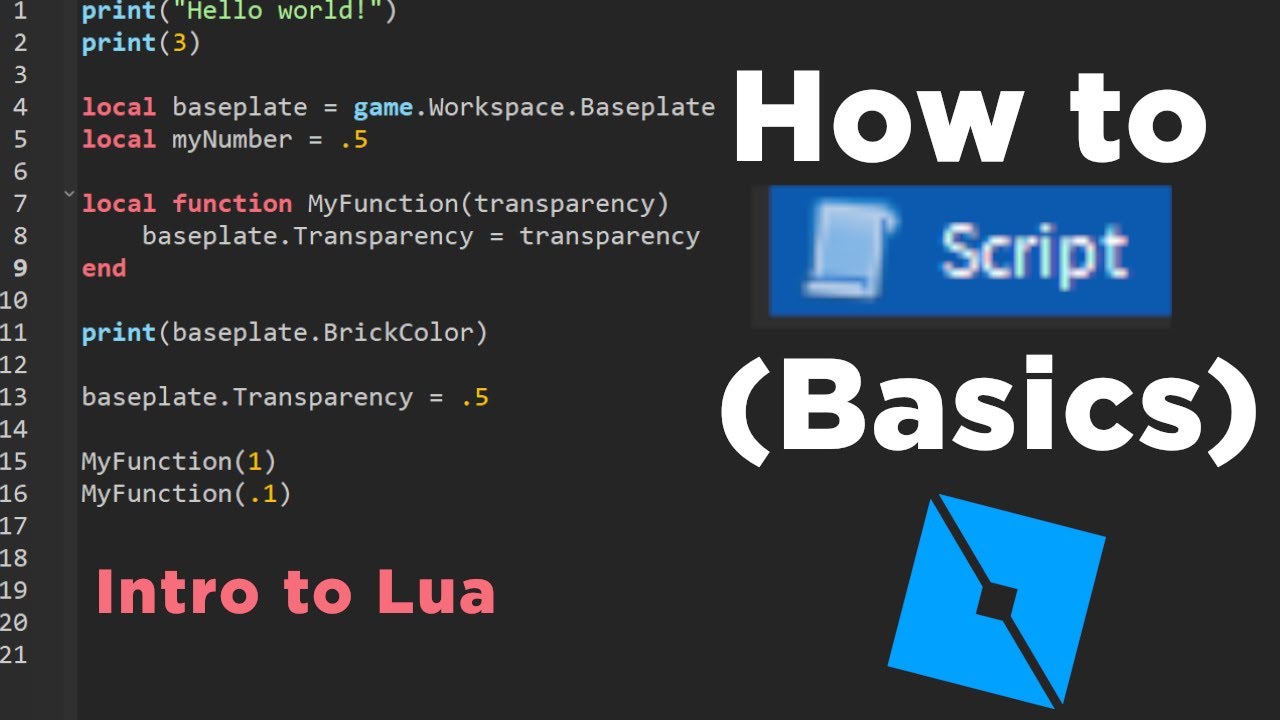
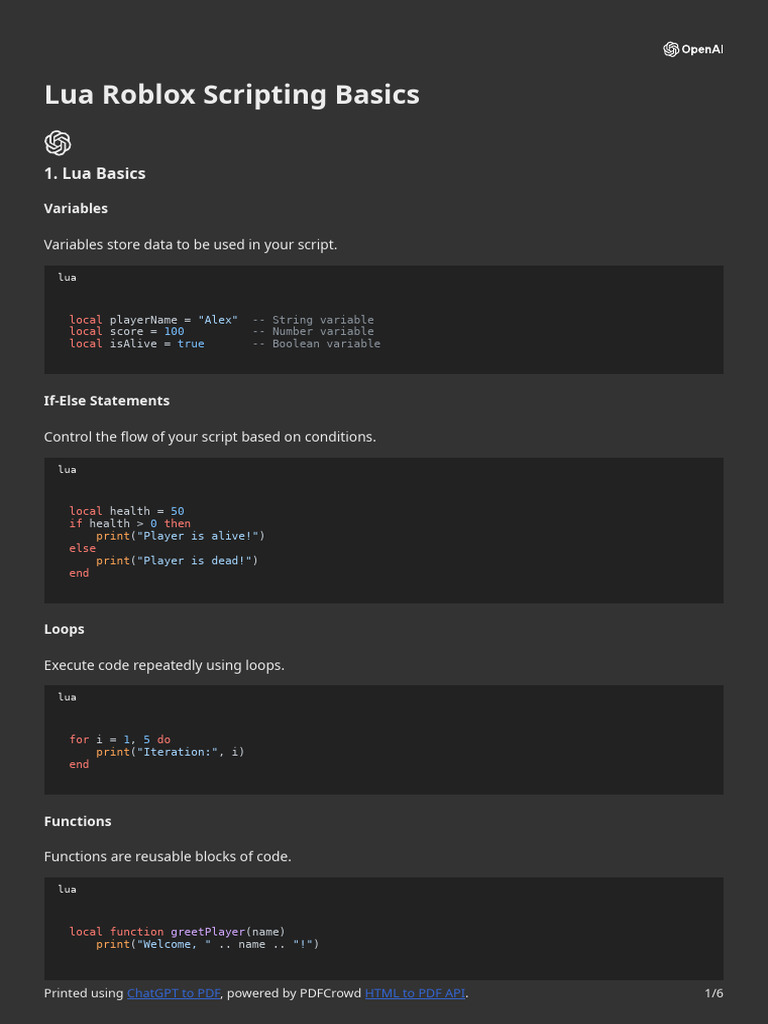
Lua Scripts For Roblox H Ng D N C B N V Ng D Ng Th C T . Roblox Lua Scripting Basics For Beginners CodaKid Roblox Lua. Roblox How To Script For Beginners 1 Roblox Lua Variables YouTube . Roblox Lua . Roblox Lua Scripting Basics Guide PDF Control Flow Scripting Language 1
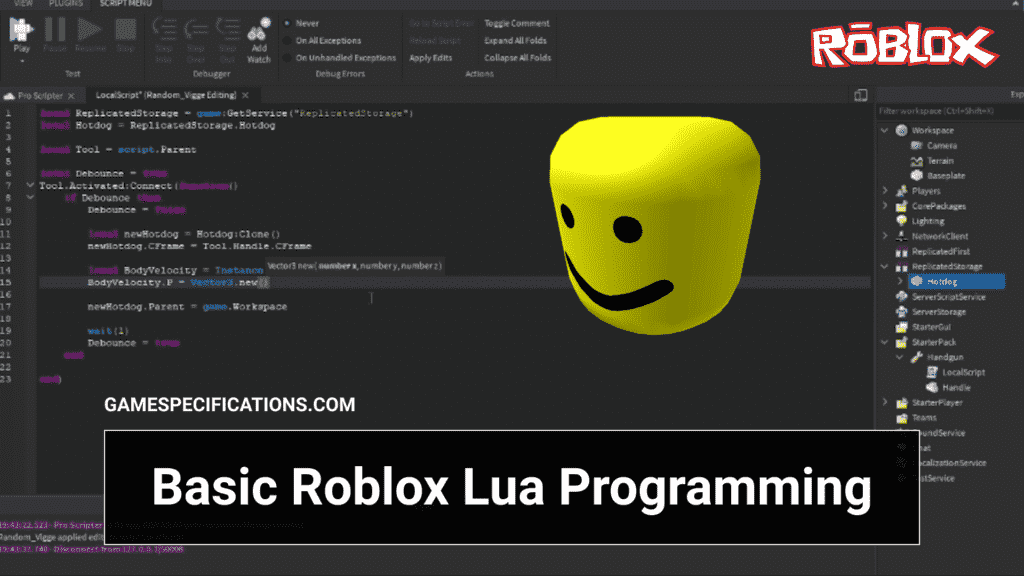
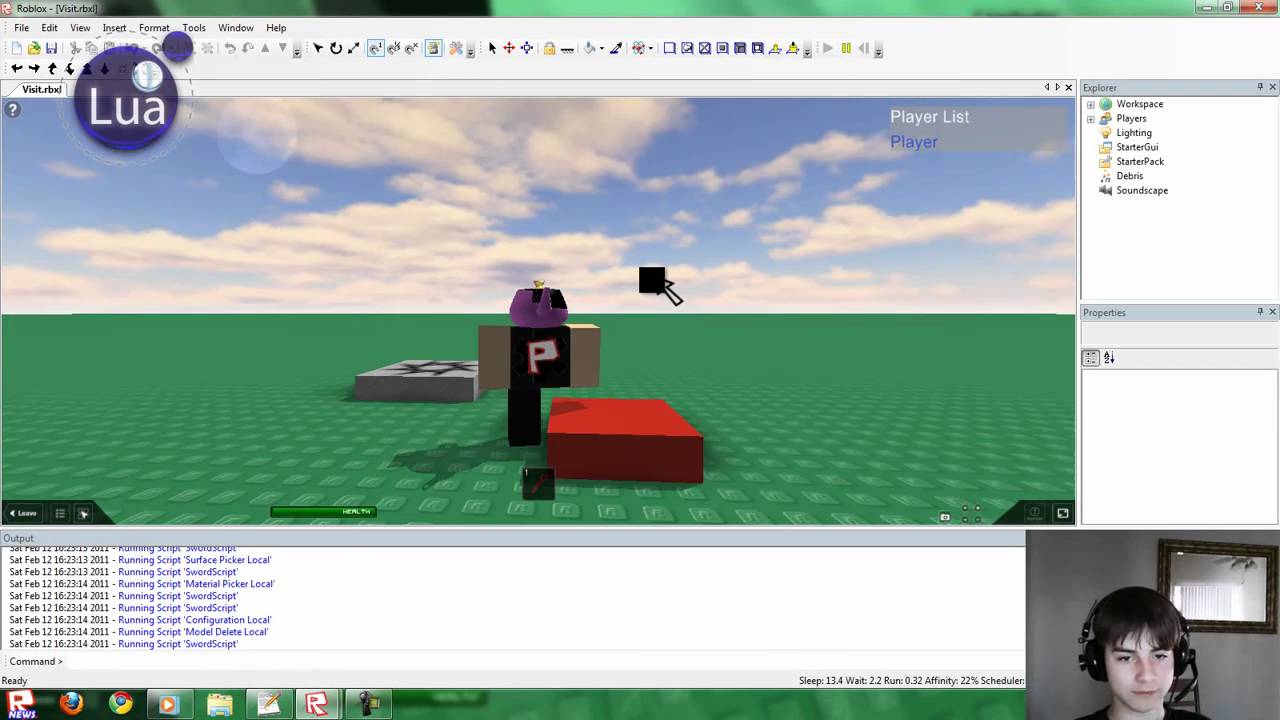
Scripts De Roblox En Lua Sistemas De Juego Custom Roblox Scripts Lua Game Systems Fixes Plugins Delivered In 24h . What Are Lua Scripts In Roblox And How Do I Use Them Roblox Lua Scripts Collection. Best Lua Scripts For Roblox January 2026 Arceus X Redz Hub Script 300x169 . Apprendre Le Lua Roblox Lua Scripting Starter Guide PQRB Basic Roblox Lua Programming 1024x576 . Roblox Lua Scripting Tutorial Functions YouTube
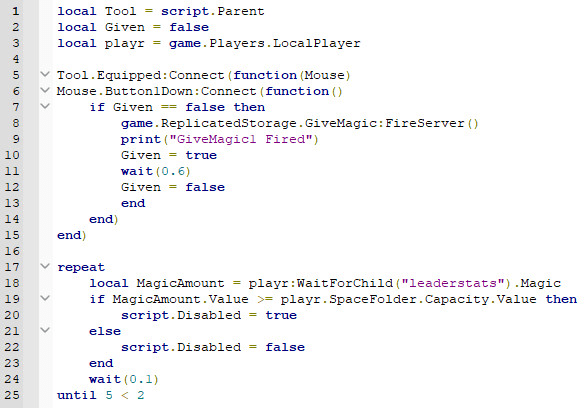

Roblox Lua Style Guide Ultimate Lua Tutorial Roblox Quickstart Guide . Jjsploit V4 Free Roblox Script Executor Lua Make Any Fully Roblox Lua Script . Roblox Lua Scripts Bugs Und Fehler In Roblox Studio Beheben Fix Roblox Lua Scripts Bugs And Errors In Roblox Studio . Jjsploit V4 Free Roblox Script Executor Lua Teach You The Basics Of Roblox Lua Scripting 31ab . What Are Roblox Local Scripts And How Do They Work
Roblox Lua Visual Scripting 0194d120 28e4 709e A718. Mastering Rbx Lua In Quick Steps Roblox Lua Script.webp. Roblox Lua Scripting 2026 Guide For Kids CodaKid Luau.webp. Roblox Lua Scripts Main Client Lua At Main Bobleboss Roblox Lua Roblox Lua Scripts. Ultimate Lua Tutorial Roblox Quickstart Guide Lua Tutorial Roblox.webp



Teach You Roblox Lua Scripting From Beginner To Advanced Teach You Roblox Lua Scripting From Beginner To Advanced . What Are Lua Scripts In Roblox And How Do I Use Them Lua. Script Roblox Systems Risolvi Bug E Aiuto Con Lo Scripting In Lua Script Roblox Systems Fix Bugs And Help With Lua Scripting . Roblox Language . Parallel Scheduler Parallel Lua Made Easy And Performant Community


What Are Roblox Local Scripts And How Do They Work . Mastering Roblox Lua Scripts In No Time Lua Script.webp. Roblox Script Updates And Vversion Roblox Script Updates And Version 1024x509 . What Is Lua In Roblox Scripting Quick Beginner Guide TPA10 What Is Lua Used For . Link Check Results For Roblox Lua Script Executor Android Pages Dev 17ef4764 36f0 48a4 Ae1c

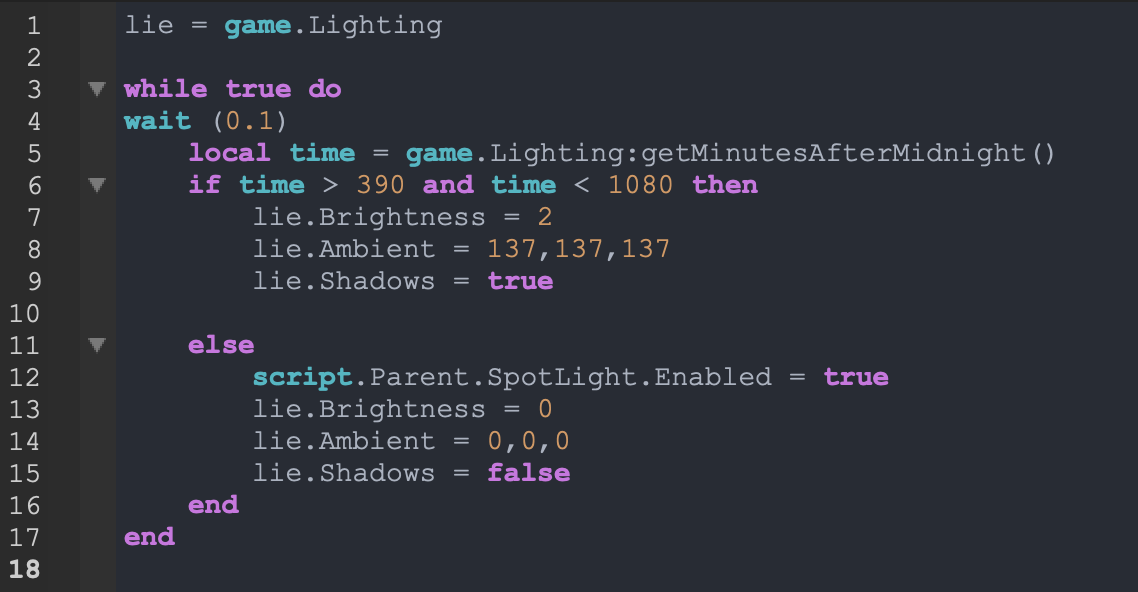
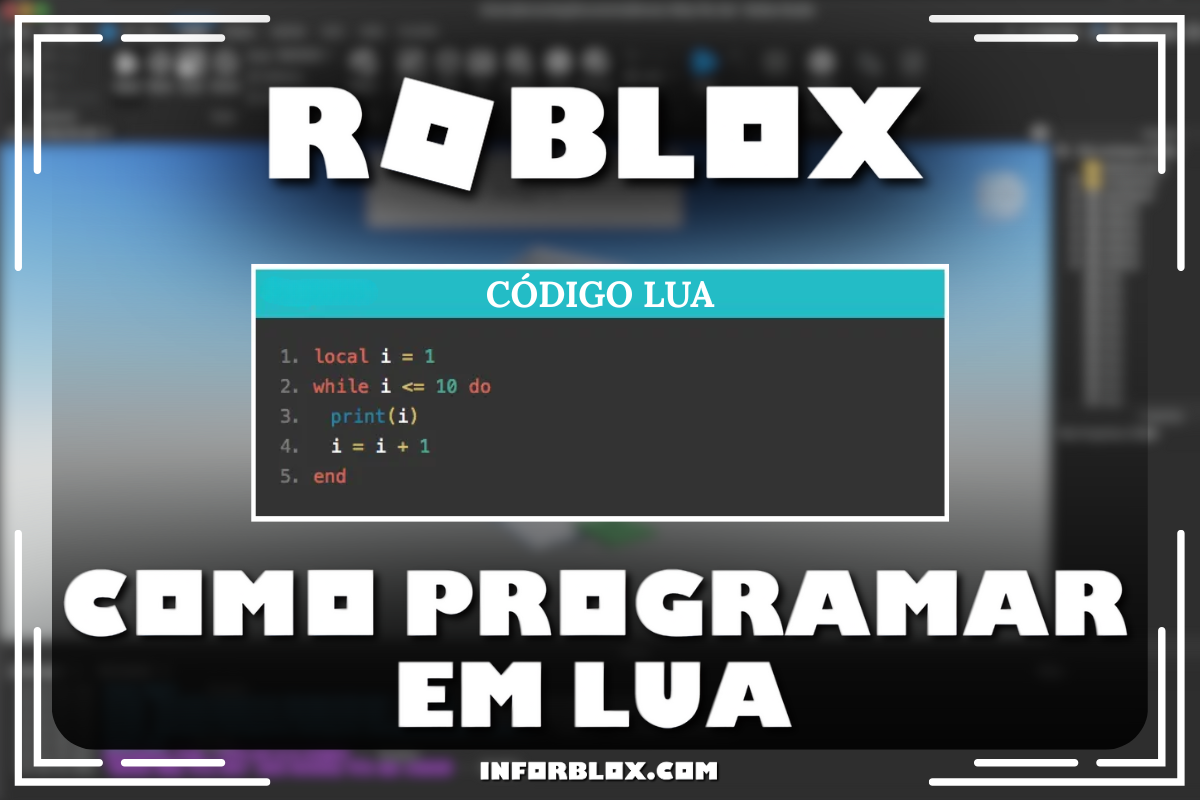
GitHub Syke5 Roblox Lua Scripts This Repository Contains A Roblox Lua Scripts. Teach You Scripting Lua And How To Use Roblox Studio By Nex 42 Fiverr Teach You Scripting Lua And How To Use Roblox Studio . Roblox Scripts A Complete Guide For Beginners Pure Magazine . Roblox Como Programar Em Lua Inforblox Programando Em Lua . Mastering Roblox Lua Scripts In No Time Roblox Lua