Navigating the world of gaming peripherals can be tough, especially when balancing performance with a busy life. Many gamers wonder if a 24 ghz mouse is good for gaming, offering the responsiveness needed without the hassle of wires. This comprehensive guide dives deep into the technology behind 2.4 GHz wireless gaming mice, clarifying common misconceptions and providing practical advice. We will explore latency, connection stability, battery life, and how these devices stand up against wired alternatives and Bluetooth. Whether you are a casual player looking to unwind or a dedicated enthusiast aiming for peak performance, understanding if a 24 ghz mouse fits your setup and lifestyle is crucial. We will cover everything from setup tips to budget-friendly options, ensuring you make an informed decision for an optimized gaming experience without breaking the bank or sacrificing valuable time. Discover if a 2.4 GHz mouse is the right upgrade for your gaming rig, helping you stay current and competitive.
Is a 24 ghz wireless mouse as fast as a wired mouse for gaming?
Yes, for all practical purposes, modern 2.4 GHz wireless gaming mice are just as fast as wired mice. With advancements in wireless technology, latency is often below 1 millisecond, making the difference imperceptible even for competitive play. Many pro gamers now rely on 2.4 GHz wireless peripherals.
What's the typical latency for 24 ghz gaming mice?
The typical latency for high-quality 2.4 GHz gaming mice is extremely low, often around 1 millisecond (1ms). Some cutting-edge models even boast sub-1ms response times with high polling rates up to 8000 Hz, ensuring your actions register instantly onscreen.
How do I troubleshoot connection issues with my 24 ghz gaming mouse?
To troubleshoot 2.4 GHz mouse connection issues, first ensure the USB receiver is plugged directly into a front USB port or a USB extender on your desk, close to the mouse. Avoid plugging it into a USB hub or the back of your PC. Check battery levels, disable other nearby 2.4 GHz devices, and try updating your mouse drivers.
Can I use a 24 ghz mouse on multiple devices?
Generally, a 2.4 GHz mouse is paired with its specific USB receiver, meaning it works with one device at a time. To use it with another device, you'd move the dongle. Some advanced models offer dual connectivity (2.4 GHz and Bluetooth), allowing for quick switching between two different systems.
Are 24 ghz mice prone to interference from other devices?
While 2.4 GHz mice operate on a common radio frequency, modern gaming mice incorporate sophisticated anti-interference technologies. High-quality models are quite resilient, but to be safe, minimize other 2.4 GHz devices like older Wi-Fi routers or cordless phones near your receiver and mouse to ensure optimal signal stability.
What's the best way to maintain my 24 ghz gaming mouse's battery?
To maintain your 2.4 GHz mouse's battery, get into a routine of charging it after significant gaming sessions, especially if you have a longer battery life. Avoid letting it drain completely if possible. Many mice feature smart power management, so ensure those settings are enabled in its companion software.
Is a 24 ghz mouse suitable for professional esports players?
Absolutely. Many professional esports players across various titles now use 2.4 GHz wireless mice from top brands. The technology has evolved to offer the reliability, speed, and precision required at the highest levels of competition, providing the added benefit of unrestricted movement without cable drag.
Hey fellow gamers! Ever find yourself tangled in a mess of wires, or perhaps wondering if cutting the cord on your mouse means cutting down on your game performance? For many of us balancing work, family, and a precious few hours of gaming each week, convenience is key, but not at the expense of that perfect headshot or critical spell cast. The big question often floating around is: is a 24 ghz mouse good for gaming?
You're not alone in asking. With 87% of US gamers regularly diving into virtual worlds and many dedicating 10+ hours a week, optimizing our setup is crucial for relaxation and skill-building. This isn't just about winning; it's about enjoying our limited gaming time to the fullest. Whether you're unwinding with a cozy social game, strategizing in an MMO, or trying to climb the ranks in an FPS, your peripherals matter. This guide is designed to demystify 2.4 gigahertz (often referred to as 2.4 GHz or sometimes seen as 24 ghz in popular search queries) wireless technology in gaming mice, providing practical, no-nonsense answers to help you decide if it's the right move for your gaming rig. We'll cut through the hype and give you the real talk on performance, value, and how to get the most out out of your gaming gear.
What exactly is a 2.4 GHz mouse, and how does it work for gaming?
A 2.4 GHz wireless mouse uses a dedicated USB receiver to establish a direct, low-latency radio frequency connection with your computer. Unlike Bluetooth, which can introduce more input lag and is often shared across many devices, 2.4 GHz (or 24 ghz as a search term) connectivity creates a private, robust link. This means data between your mouse and PC travels extremely fast, mimicking the responsiveness of a wired connection. It's essentially a proprietary wireless protocol optimized for speed and reliability, making it a strong contender for serious gaming.
This technology operates on the same 2.4 gigahertz band used by Wi-Fi and other wireless devices, but good gaming mice use sophisticated algorithms and frequency hopping to avoid interference. When you plug in the small USB dongle, it pairs with your mouse, creating a secure channel for communication. This dedicated link is crucial for gamers, as it minimizes signal drops and ensures consistent tracking, which is vital whether you're building a massive base in a strategy game or performing precision aiming in an FPS. The goal is a seamless, lag-free experience that lets you focus on the game, not your hardware.
Is a 2.4 GHz wireless mouse good for competitive gaming?
Absolutely, a modern 2.4 GHz wireless mouse can be excellent for competitive gaming. In recent years, the technology has advanced significantly, with top-tier 2.4 GHz gaming mice now offering latency on par with or even lower than many wired mice. Manufacturers have engineered these mice with high report rates (up to 8000 Hz in some cases) and optimized wireless protocols to ensure virtually no perceivable delay. For most competitive players, the difference between a high-end 2.4 GHz wireless mouse and a wired one is imperceptible.
Gone are the days when wireless automatically meant lag. Today's best 2.4 GHz gaming mice are used by esports professionals, demonstrating their capability in high-stakes environments where every millisecond counts. The freedom from cable drag can even offer an advantage, allowing for smoother, unrestricted movements. For busy gamers juggling life, this means you can still compete at a high level without being tethered, offering the best of both worlds: top-tier performance and wireless convenience.
How does 2.4 GHz compare to wired or Bluetooth gaming mice?
When looking at gaming mice, 2.4 GHz wireless, wired, and Bluetooth each have their distinct characteristics. Understanding these differences is key to choosing the right tool for your specific gaming style and setup. For the average gamer, balancing performance with practicality is often the priority.
Here's a quick comparison:
| Feature | 2.4 GHz Wireless | Wired | Bluetooth |
|---|---|---|---|
| Latency | Extremely low, often comparable to wired (1ms or less) | Extremely low (0-1ms) | Moderate to high (often 8ms+, unsuitable for competitive gaming) |
| Connection Reliability | Very stable, dedicated dongle minimizes interference | Most reliable, direct connection, no interference | Can be prone to interference, lower stability, often shared signal |
| Freedom of Movement | Excellent, no cable drag | Limited by cable length and drag | Good, but often less responsive than 2.4 GHz |
| Battery | Requires charging/battery replacement | No battery needed | Requires charging/battery replacement |
| Portability | Good, small dongle, no cable | Less portable, cable can be bulky | Excellent, often built-in to devices, no dongle needed |
| Setup | Plug-and-play USB dongle | Plug-and-play USB cable | Pairing process can be finicky |
For most gamers looking for peak performance without a cable, 2.4 GHz is the sweet spot. Wired is still the absolute standard for zero-compromise, but the gap has closed significantly. Bluetooth is generally best for casual use or non-gaming tasks where responsiveness isn't critical, like working on a tablet or a smart TV.
What are the key benefits of using a 2.4 GHz mouse for everyday gamers?
For the average gamer who balances responsibilities, the benefits of a 2.4 GHz mouse go beyond just raw performance. First and foremost is the incredible freedom of movement. No cable means no snags, no resistance, and a cleaner desk setup – perfect for those quick, decisive flicks in a shooter or simply tidying up before dinner. This physical freedom reduces frustration and allows for more natural, ergonomic movements, enhancing comfort during those longer gaming sessions that we often squeeze into our busy schedules.
Secondly, the reliability of a modern 2.4 GHz connection means you get wired-like performance without the tether. You won't feel disadvantaged, whether you're playing a casual co-op game with friends on Discord or trying to nail a speedrun. This technology delivers a consistent, lag-free experience, allowing you to focus on the fun and skill-building aspects of gaming. Plus, with the increasing trend of social gaming and mobile dominance (many US gamers leverage mobile for quick sessions), having a versatile mouse that can easily connect to your PC without fuss is a huge plus. It streamlines your setup, letting you get into the game faster and enjoy your precious downtime more effectively.
Are there any downsides to a 2.4 GHz gaming mouse, and how can I mitigate them?
While 2.4 GHz gaming mice are fantastic, they do come with a couple of considerations. The most obvious is battery life. Unlike wired mice, a 24 ghz mouse needs power, meaning regular charging or battery replacement. Running out of juice mid-game is a nightmare nobody wants. To mitigate this, choose mice with long battery lives (often 100+ hours on a single charge), get into a habit of charging after each significant session, or invest in a mouse with a charging dock for convenience. Many also offer a wired mode, allowing you to plug in and play while it charges.
Another potential downside is interference. Since 2.4 GHz operates on a common frequency band, it can sometimes be affected by other wireless devices like Wi-Fi routers, cordless phones, or even microwaves. This can lead to occasional stutters or disconnects. To minimize this, ensure your mouse's receiver is placed close to the mouse, ideally on your desk away from large metal objects. Using a USB extender for the receiver can help, bringing it closer to the action and away from your PC's internal electronics. Reputable gaming mouse brands often incorporate advanced anti-interference technology, so choosing a quality product also helps significantly.
How do I choose the best 2.4 GHz gaming mouse on a budget?
Finding a great 2.4 GHz gaming mouse on a budget is absolutely possible, and it’s a common goal for gamers who need to make smart hardware upgrades without breaking the bank. The key is to prioritize core performance features over excessive RGB lighting or niche programmability. Look for mice from reputable brands that offer a solid optical sensor with a high DPI range (though you likely won't need anything over 16,000 for practical gaming) and, crucially, a good polling rate of at least 1000 Hz (1ms response time). These are the fundamentals that impact actual in-game performance.
Many brands now offer excellent entry-level or mid-range 2.4 GHz wireless gaming mice that provide incredible value for money. Read reviews from trusted tech sites, paying attention to user experiences regarding battery life and connection stability. Don't fall for marketing hype; instead, focus on ergonomic comfort for your hand size and grip style, as this significantly affects long-term enjoyment. You might find last year's flagship model on sale, which often delivers flagship performance at a budget-friendly price, perfect for gamers who want to stay current without overspending.
What features should I look for in a 2.4 GHz gaming mouse for optimal performance?
When selecting a 2.4 GHz gaming mouse for optimal performance, several key features stand out. First, the sensor is paramount: look for a high-quality optical sensor (like PixArt's newer models) that offers excellent tracking accuracy, high maximum DPI (dots per inch), and IPS (inches per second) ratings to prevent skipping or jitter during rapid movements. A high polling rate, ideally 1000 Hz or higher, ensures rapid communication with your PC, making your mouse feel incredibly responsive.
Ergonomics are also critical for long gaming sessions and preventing fatigue. Consider your grip style (palm, claw, fingertip) and hand size to find a mouse that fits comfortably. Lightweight designs are often preferred by competitive gamers for quicker flick shots, but a slightly heavier mouse might feel more stable for others. Beyond the basics, consider durable switches (rated for millions of clicks), programmable buttons for macros, and customizable RGB if aesthetics are important to you. Lastly, a robust and long-lasting battery is essential for a 24 ghz mouse; some models boast over 200 hours, which means less charging anxiety.
How can I ensure a stable 2.4 GHz connection and minimize interference?
Ensuring a stable 2.4 GHz connection is crucial for uninterrupted gaming, especially in an environment filled with other wireless devices. The primary step is to place the USB receiver (dongle) as close to your mouse as possible. Avoid plugging it into the back of your PC, which might be shielded by metal components; instead, use a front USB port or, even better, a USB extender cable to bring the dongle right onto your desk, within direct line of sight of your mouse. This reduces the distance the signal needs to travel and bypasses potential obstructions.
Additionally, try to minimize other 2.4 GHz devices operating in close proximity. If your Wi-Fi router supports 5 GHz, switch your computer's Wi-Fi to that band. Turn off Bluetooth devices you're not actively using. While modern 2.4 GHz gaming mice have excellent anti-interference tech, reducing surrounding noise can still improve stability. Keeping your desktop clutter-free also helps, as large metal objects or even densely packed books can block signals. By optimizing your receiver placement and reducing local interference, you'll enjoy a rock-solid, responsive connection every time you game.
Does battery life impact 2.4 GHz mouse performance during long gaming sessions?
While low battery levels generally don't directly impact the *performance* (like latency or tracking accuracy) of a 2.4 GHz mouse in terms of speed, they can certainly impact your *gaming experience* during long sessions. Most modern gaming mice are designed to maintain full performance until the battery is critically low. However, as the battery depletes, you'll eventually receive warnings or the mouse might enter a power-saving mode, potentially reducing polling rates or shutting off RGB. The real impact is the interruption: needing to stop and charge, or worse, having the mouse die mid-match.
To avoid this common pain point for busy gamers, make battery management a routine. Many 2.4 GHz mice boast incredible battery life, some lasting over 150-200 hours on a single charge. Opt for such models if long, uninterrupted sessions are your norm. Always keep an eye on battery indicators, which are often integrated into companion software or have LED alerts on the mouse itself. Consider mice that can be used wired while charging, providing a seamless transition. By being proactive, battery life becomes a minor consideration rather than a performance-affecting issue.
What are some top-rated 2.4 GHz gaming mice for different gamer needs?
The market for 2.4 GHz gaming mice is vibrant and constantly evolving, offering fantastic options for every type of gamer. For the competitive esports enthusiast who demands the absolute best, mice like the
Logitech G Pro X Superlight 2
or theRazer DeathAdder V3 Pro
are perennial favorites, known for their ultra-lightweight design, top-tier sensors, and incredibly low latency. These are investments, but they deliver unparalleled performance.For the everyday gamer looking for a great balance of performance and value, options like the
SteelSeries Aerox 3 Wireless
or theHyperX Pulsefire Haste 2 Wireless
offer excellent features without the premium price tag. They often feature solid sensors, good battery life, and comfortable ergonomics suitable for a wide range of hand sizes and grip styles. If you're into MMOs or MOBAs and need extra programmable buttons, mice like theCorsair Scimitar RGB Elite Wireless
provide a wealth of customization. Always check recent reviews, as new models are constantly improving on battery life, sensor accuracy, and connectivity, ensuring you stay current with the latest tech trends this month.Conclusion
So, is a 24 ghz mouse good for gaming? The unequivocal answer for 2026 is a resounding YES! Modern 2.4 GHz wireless technology has matured to the point where it offers wired-level performance with the liberating freedom of no cables. For gamers who juggle life's demands and cherish their playtime, these mice provide the perfect blend of high performance, convenience, and a clutter-free setup. You no longer have to compromise responsiveness for wireless flexibility, making it easier to unwind, connect with friends online, and build those hard-earned skills.
When choosing, focus on a quality sensor, a high polling rate, comfortable ergonomics, and respectable battery life. With the right 2.4 GHz mouse, you can elevate your gaming experience, whether you're dominating in competitive titles or simply enjoying the latest cozy game craze. What's your biggest gaming challenge with wireless peripherals? Comment below and let's tackle it together!
FAQ Section
Are 24 ghz mice really as fast as wired mice?
Yes, modern 2.4 GHz wireless gaming mice offer virtually identical latency and responsiveness to wired models. Advanced wireless protocols and high polling rates (up to 8000 Hz) ensure that input lag is imperceptible to the human eye, making them suitable even for professional esports.
How long do 24 ghz gaming mouse batteries last?
Battery life varies significantly by model, but many high-quality 2.4 GHz gaming mice offer excellent endurance, ranging from 70 to over 200 hours on a single charge. Look for models with long-lasting batteries and convenient charging options like USB-C or charging docks.
Can 24 ghz mice cause interference with my Wi-Fi?
While both use the 2.4 GHz band, modern gaming mice are designed with anti-interference technologies like frequency hopping. To ensure minimal issues, place the mouse's USB receiver close to the mouse and consider switching your home Wi-Fi to the 5 GHz band if available, which can reduce signal congestion.
Are 24 ghz mice good for casual gaming and work?
Absolutely. Beyond their gaming prowess, 2.4 GHz mice provide excellent precision and comfort for everyday productivity tasks. Their wireless freedom makes them ideal for a clean desk setup and easy transition between gaming and work, enhancing overall user experience.
Is it worth paying more for a high-end 24 ghz gaming mouse?
For competitive gamers or those who prioritize cutting-edge performance, investing in a high-end 2.4 GHz mouse often means superior sensors, lighter designs, and enhanced durability. For casual gamers, many mid-range options provide excellent value, offering a great balance of features and performance without the premium price tag.
24 ghz mouse latency is low, 24 ghz offers stable wireless connection, long battery life for 24 ghz mice, 24 ghz mice are viable for competitive gaming, budget-friendly 24 ghz options, avoiding 24 ghz interference.
35

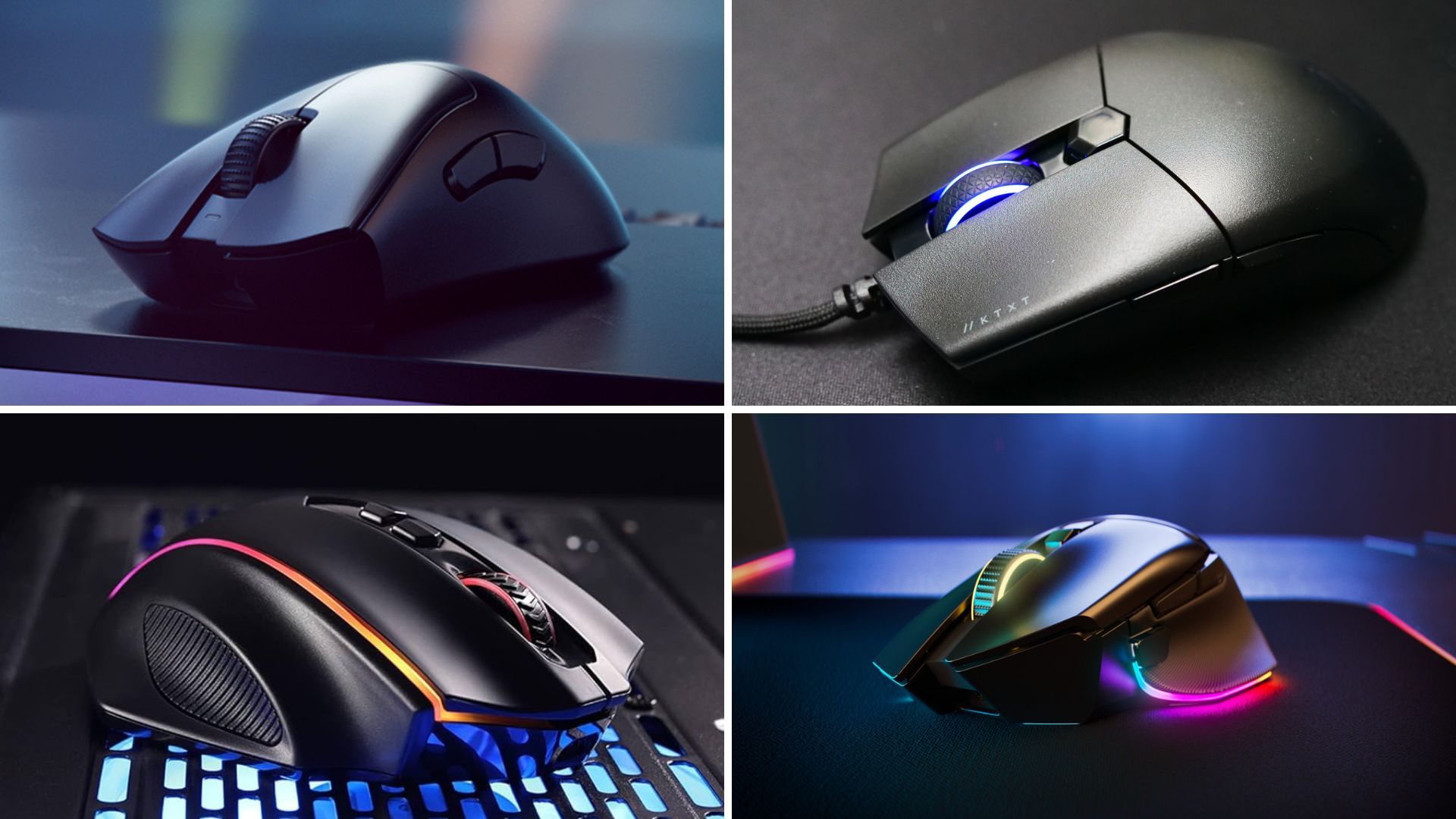
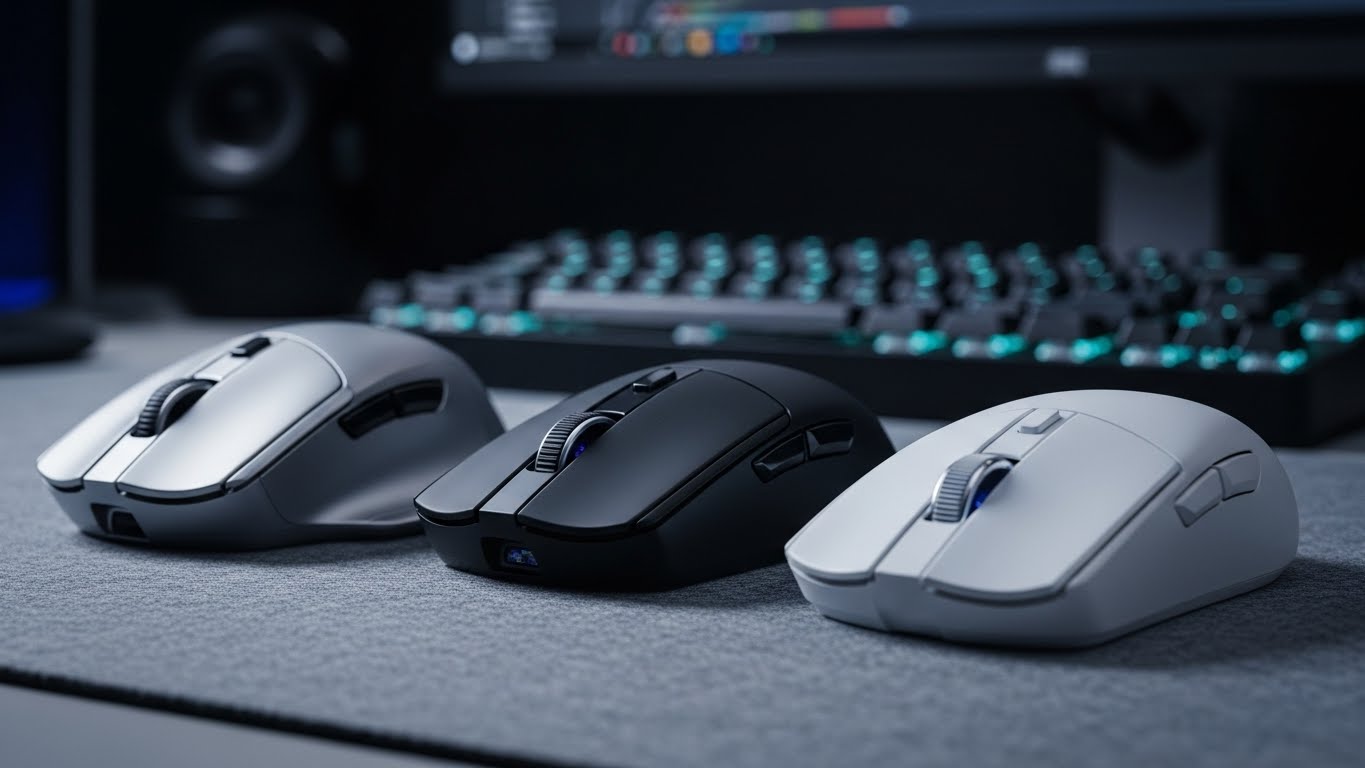

Best Gaming Mouse 2026 Top Picks And Expert Reviews Best Gaming Mouse 2026. Amazon Com Glorious Gaming Model I 2 Wireless Gaming Mouse Hybrid 2 AC . Best Gaming Mouse To Buy In 2026 GAMES GG Best Gaming Mouse To Buy In 2026 47043110a9 . Best Wireless Mice 2026 12 Top Models Tested And Reviewed Best Wireless Mice . Best Wireless Gaming Mouse 2026 Top Picks Tested And Ranked Best Wireless Gaming Mouse 2026.webp

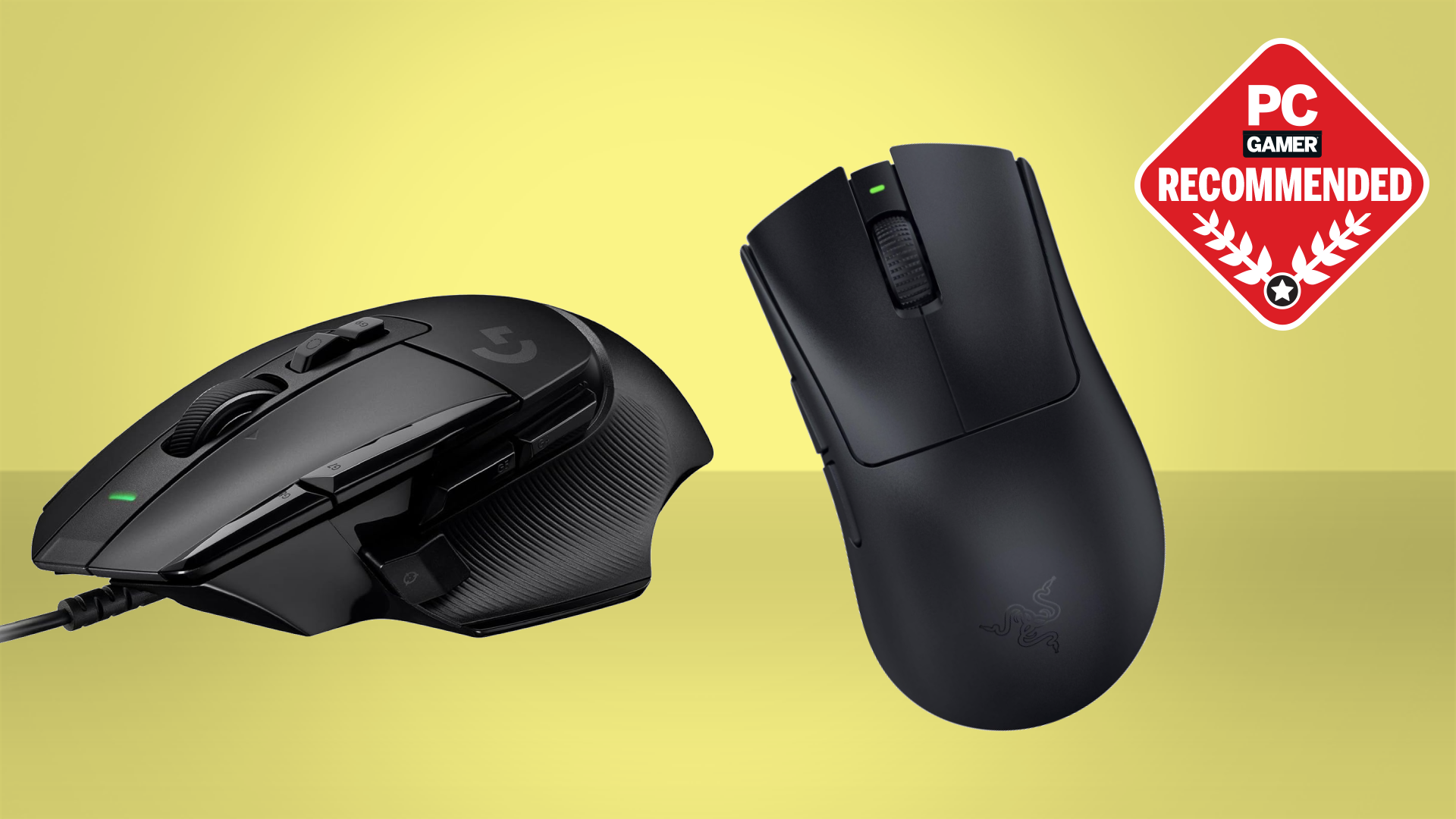

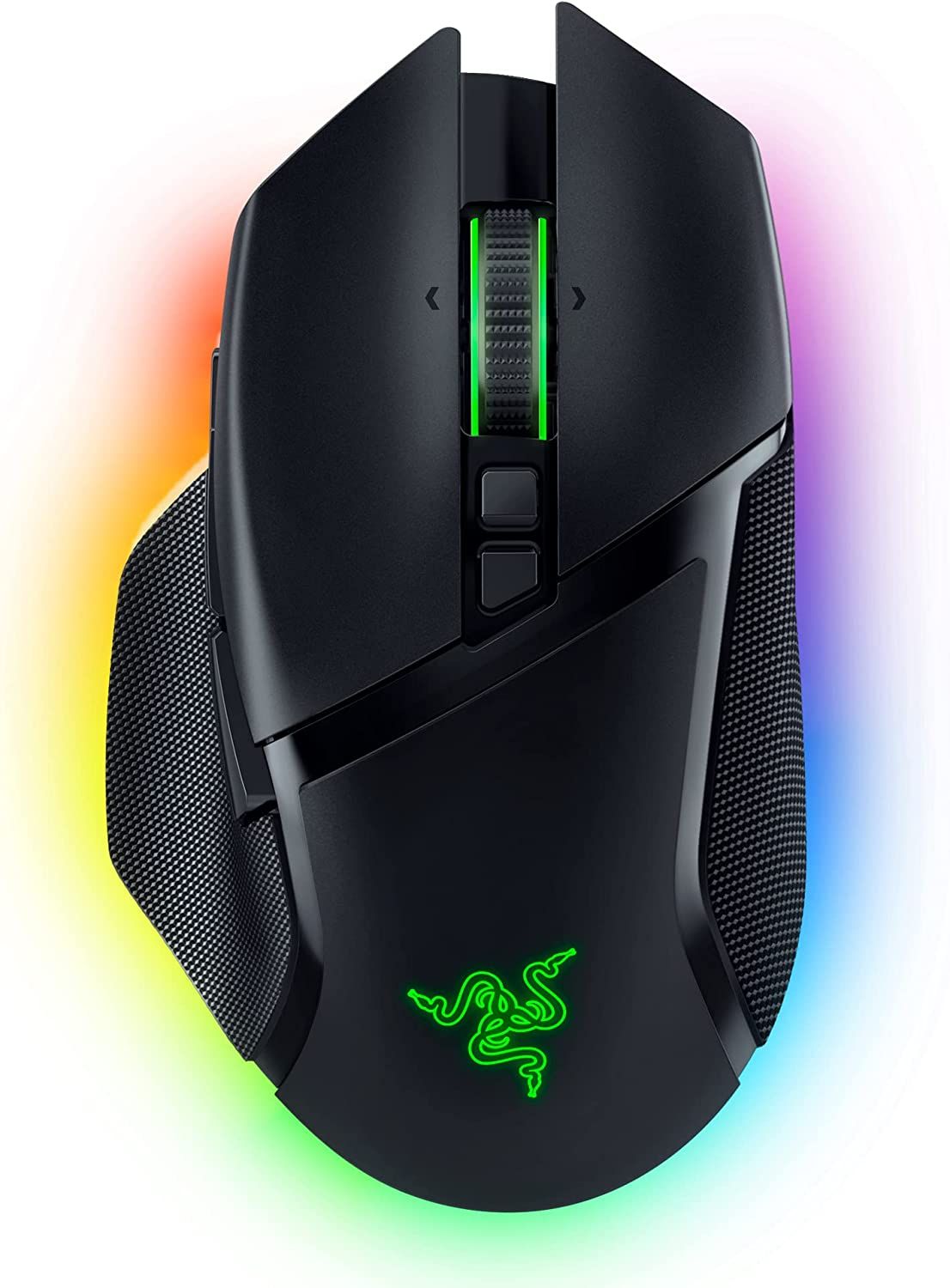
Best Fallout 4 Mods 2025 Gamers Unchained Best Gaming Mouse . Computer Mouse Pic . Best Wireless Gaming Mice 2026 Pro Level Accuracy Without The Cables . Wired Vs Wireless Mouse Which Is Better For Gaming Basilisk V3 Pro . Best Gaming Mouse


Wireless Gaming Mouse Bluetooth Mouse Rgb 2 4g Usb 61Mk3YqYHpL . Best Wireless Gaming Mouse Under 30 2026 Tested Ranked Best Wireless Gaming Mouse Under 30 2026 Tested Ranked.webp. Wired Vs Wireless Gaming Mouse Pros Cons In 2026 Frontech Frontech Gaming Mouse Fd158e77 839e 4071 8387 . The 5 Best Gaming Mice Of 2026 Reviews By Wirecutter BEST GAMING MOUSE 2048px 5467 2x1 1 . Best Gaming Mouse 2026 Top Picks For Every Style Switchblade Gaming Best Gaming Mouse 2026.webp


The Best Ergonomic Gaming Mouse In 2024 Best Wireless Gaming Mouse Gamerant Corsair Glorious Logitech Thumb . The Best Ergonomic Gaming Mouse In 2024 61 F0kqym0l Ac Sl1500 . 10 Best Wireless Gaming Mice For Competitive FPS July 2026 Fccj Best Wireless Gaming Mice For Competitive FPS 1024x559 . The 3 Best Gaming Mice Of 2026 Precision Performance The 3 Best Gaming Mice Of 2026 . The Logitech G Pro X2 Superstrike Will Redefine Mice In 2026 Maxi Geek Logitech Superstrike



Acer Predator XB273K V5 27 Inch 4K Gaming Monitor Review Vivid Color . What Mouse DPI Do I Really Need For FPS Gaming PC Gamer 840 80 . Best Wireless Gaming Mouse In 2026 7 Picks For Smooth Gaming WHICH IS THE BEST WIRELESS GAMING MOUSE 768x430 . 12 Best Wireless Gaming Mouse Deals June 2026 Models Tested Compared Best Wireless Gaming Mouse Deals 1024x559 . Logitech G502 HERO Review The Ultimate Gaming Mouse 2025 Best Gaming Mouse For 2025 Best Gaming Mouse For 2025 768x434



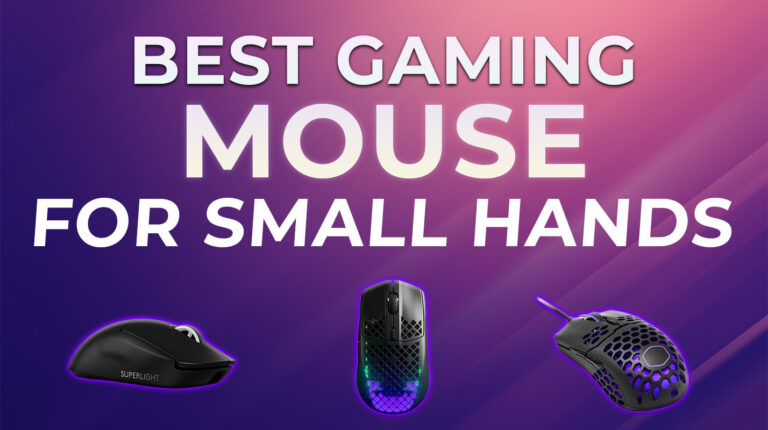
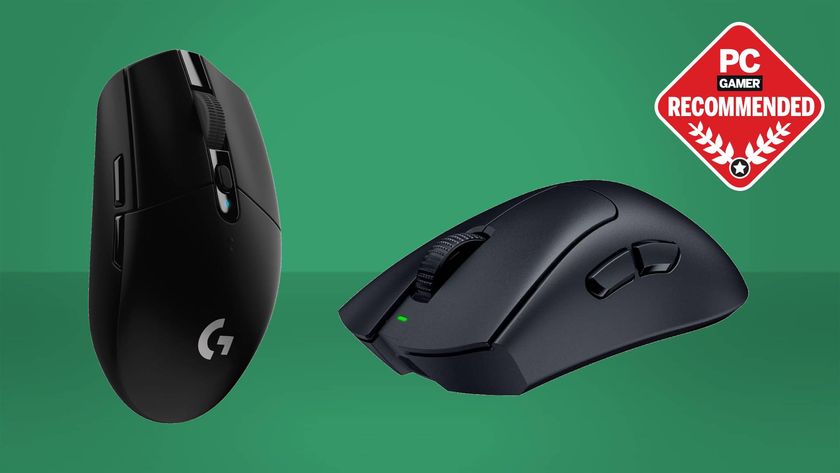
BEST Wireless Gaming Mouse Of 2026 HERE S What You Should Buy At . 5 Best Wireless Gaming Mice 2026 Part 2 YouTube . The Best Wireless Gaming Mouse In 2024 Best Wireless Gaming Mouse In 2024.webp. Best Gaming Mouse For Small Hands 7 Reviewed 2026 Best Gaming Mouse For Small Hands 768x430 . Best Gaming Monitors In 2026 The Pixel Perfect Panels I D Buy Myself 840 80



Best Wireless Mouse 2026 Our Top Choices Best Wireless Mouse 820x461 . Best Gaming Mouse 2024 The Ultimate Guide For Every Gamer Lucky Falcon Best Gaming Mouse 2024 768x432 . Wi Fi Gaming Mouse Statistics 2024 XapTx The Global Market Size Of The Wireless Gaming Mouse 1 1.webp. Mouse Buying Guide Hero Mouse . Top Gaming Mice In South Africa 2026 Best Gaming Mouse South Africa 2026 Banner.webp