Unlock your full potential in Roblox FPS games by mastering crosshair decals. This comprehensive guide navigates busy US gamers through the process of finding, applying, and optimizing custom crosshair decals to significantly enhance their aiming precision and overall gaming experience. For many, gaming is a vital outlet for relaxation and social connection, but limited free time means every session counts. Default Roblox crosshairs can often be clunky or unsuited to competitive play, leading to frustration. Custom decals offer a budget-friendly solution to this common pain point, allowing players to personalize their aiming reticle for maximum comfort and visibility without expensive hardware upgrades. Learn the latest tips and tricks to identify trending decals, troubleshoot common setup issues, and ensure your in-game performance is always at its peak. Whether you are balancing a demanding job, family commitments, or simply want to elevate your casual play, this resource provides actionable insights to make your Roblox sessions more enjoyable and effective.
How Do I Get a Custom Crosshair Decal in Roblox?
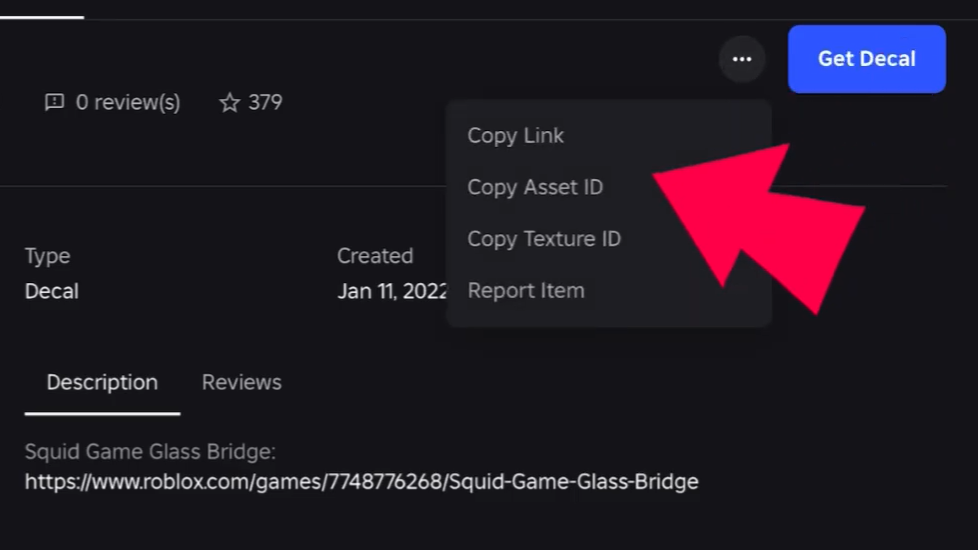
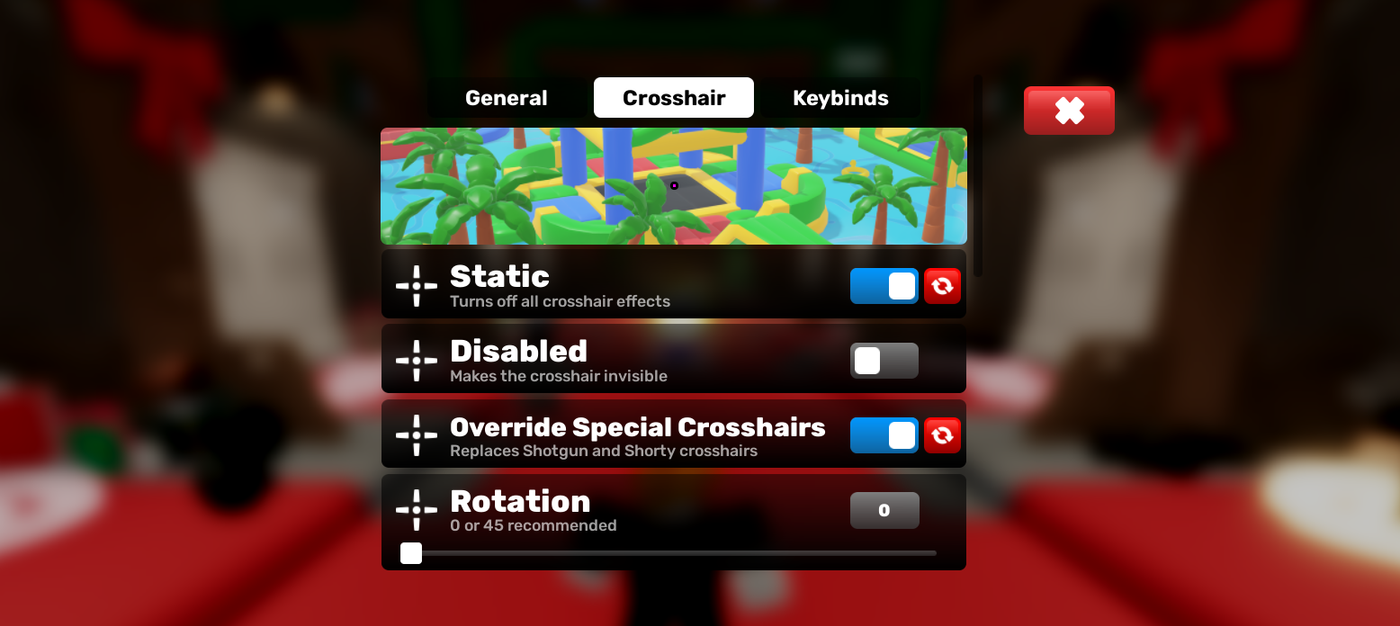
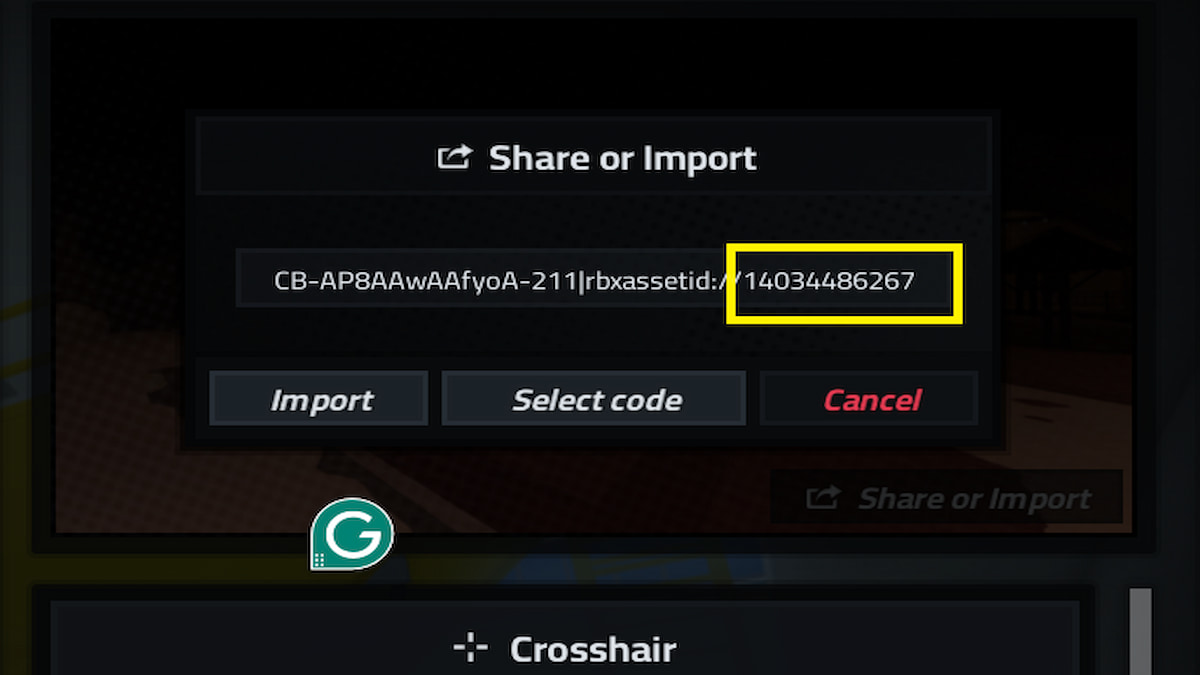
To get a custom crosshair decal in Roblox, you first need to find a suitable Decal ID. Many players share these IDs on community forums, YouTube tutorials, or directly within Roblox's Creator Marketplace. Once you have an ID, the method of application depends on the specific game you're playing. Some Roblox games, particularly FPS titles, have built-in settings that allow you to input a Decal ID for your crosshair. You'll typically find this under a 'Settings,' 'HUD,' or 'Crosshair' menu within the game. For games that don't offer this feature, many gamers opt for third-party crosshair overlay software that projects an image onto your screen, though it's important to use reputable software to ensure security.
What Are the Best Crosshair Decal IDs for Roblox FPS Games?
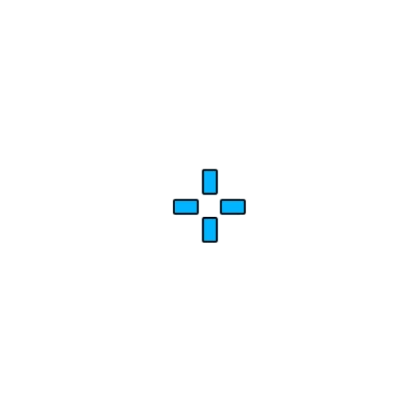
The 'best' crosshair decal ID for Roblox FPS games often comes down to personal preference and what works best with your screen resolution and color settings. However, some popular and highly effective choices tend to be minimalistic and high-contrast. Look for Decal IDs that create a small, clean dot, a simple cross, or a T-shape. Bright colors like neon green, magenta, or light blue often stand out best against varied in-game environments. For instance, IDs for simple green dots (e.g., 9343058882) or clean white crosses are frequently recommended. Experiment with a few different ones to see what improves your target acquisition and minimizes visual clutter the most.
Why Is My Crosshair Decal Not Showing Up in Roblox?
If your crosshair decal isn't showing up in Roblox, there are a few common culprits to check. First, verify the Decal ID you entered for any typos; even a single incorrect digit will prevent it from loading. Second, ensure that the specific Roblox game you're playing actually supports custom crosshairs via Decal IDs. Not all games offer this functionality. If you're using an external overlay program, make sure the program is running correctly, has the necessary permissions, and is properly configured to detect Roblox. Sometimes, a simple restart of Roblox or the overlay application can resolve temporary glitches. Also, check your in-game settings to ensure the custom crosshair option is enabled, if applicable.
Can I Create My Own Crosshair Decal for Roblox?
Yes, you can absolutely create your own crosshair decal for Roblox! This allows for ultimate personalization. You'll need to use an image editing software like Photoshop, GIMP, or even a free online editor to design your desired crosshair. It's best to create a square image (e.g., 512x512 or 1024x1024 pixels) with a transparent background, ensuring your crosshair is clearly visible in the center. Once created, upload the image to Roblox as a 'Decal' through the 'Create' section on the Roblox website. After successful upload and moderation, Roblox will provide you with a unique Decal ID that you can then use in supported games or with external overlay software.
How Do I Make My Custom Roblox Crosshair Decal More Visible?
To make your custom Roblox crosshair decal more visible, focus on contrast and simplicity. Choose a color that strongly contrasts with the typical backgrounds in the games you play; bright greens, pinks, or light blues often work well. Avoid colors that blend easily with terrain, sky, or common enemy uniforms. Keep the design simple and clean; a cluttered crosshair can obscure your target. Adjust the size to ensure it's not too small to lose track of, but not so large that it blocks your view. If the game or overlay allows, add a thin, contrasting outline to your crosshair for an extra pop against busy textures. Experiment with slight transparency adjustments to find the sweet spot for your eyes.
Are There Any Roblox Games That Block Custom Crosshair Decals?
Yes, some Roblox games may intentionally block or not support custom crosshair decals, especially if they are competitive titles that aim for a level playing field or have their own unique crosshair mechanics. While many games offer customization, others do not provide the UI elements to input Decal IDs, preventing direct in-game application. Moreover, game developers might actively discourage or even block external crosshair overlays, viewing them as third-party modifications that could give an unfair advantage or interfere with the game experience. It's always a good idea to check the specific game's rules or community guidelines before relying on a custom crosshair solution.
What are the Advantages of Using an External Crosshair Overlay for Roblox?
An external crosshair overlay offers several advantages for Roblox players, especially those in games without native custom crosshair support. Firstly, it provides universal customization across all Roblox games, as the overlay sits on top of your entire screen, independent of the game's internal settings. This means you can use your preferred crosshair in any game. Secondly, these overlays often come with advanced customization options for shape, color, size, and even dynamic elements that might not be available in-game. Thirdly, they are typically very lightweight and have minimal to no impact on performance. However, ensure you use a reputable program to avoid security risks and be mindful of Roblox's stance on external software.
For many US gamers, balancing a demanding job, family life, and social commitments leaves limited time for their favorite hobby. Yet, when they do log on, they expect those precious moments to be relaxing, fun, and perhaps a chance to hone their skills. According to recent stats, an impressive 87% of US gamers play regularly, often dedicating 10 or more hours a week, highlighting gaming's essential role in their lives. The frustration of a default, often clunky, in-game crosshair can quickly diminish that enjoyment, particularly in competitive Roblox FPS titles where precision is key. You are not alone if you have felt your aim falter because the standard reticle blends into the background or simply does not feel right.
This is where the power of a custom crosshair decal Roblox comes into play. Imagine a perfectly visible, personalized aiming point that boosts your confidence and allows you to track targets with unmatched clarity. It is a simple, budget-friendly tweak that can make a world of difference, enhancing your performance without needing expensive hardware upgrades. This comprehensive guide will walk you through everything you need to know about finding, applying, and optimizing custom crosshair decals in Roblox, ensuring your gaming sessions are more effective, enjoyable, and ultimately, more rewarding. We will cut through the noise and provide practical, actionable advice, just like a seasoned friend sharing their best tips for staying competitive and having fun on a budget.
Why Should I Use a Custom Crosshair Decal in Roblox?
Default Roblox crosshairs are often designed to be generic, meaning they might not offer optimal visibility or precision across all game modes and environments. For the average gamer who balances life and play, every edge counts. A custom crosshair decal allows for personalization, letting you choose a color, shape, and size that stands out against varied backgrounds, reducing eye strain and improving target acquisition. This leads to more consistent hits and a smoother gameplay experience, especially in fast-paced shooters where split-second decisions matter. It is a quick, free upgrade that directly impacts your performance and satisfaction.
How Do I Find and Apply a Crosshair Decal in Roblox?
Finding a suitable crosshair decal Roblox involves browsing the Roblox Decal library or community sites. Many players share their custom crosshair IDs. Once you have an ID, the application process typically involves a few steps within a game that supports custom textures, or by using a third-party overlay if the game itself does not allow direct decal application. For in-game application, you might use a script or a specific GUI element if the game developer has provided one. For external overlays, programs like Crosshair X or similar tools let you overlay a custom image on your screen. Always ensure any third-party software is reputable to avoid security risks, as your gaming account's safety is paramount.
Here are the general steps for in-game application, if supported:
- Open the Roblox game where you want to apply the crosshair.
- Look for a settings menu or a specific GUI related to crosshairs or HUD.
- Input the Decal ID into the designated field.
- Adjust size, color, and transparency if the game offers these options.
What Are the Best Practices for Choosing a Crosshair Decal?
Choosing the 'best' crosshair is subjective, but several best practices can guide your decision. Prioritize visibility: select a color that contrasts well with common in-game backgrounds (e.g., bright green or pink against dull environments). Keep it clean: simple shapes like a dot or a small cross often provide better precision than complex designs that can obscure targets. Test different sizes: a crosshair too large can block your view, while one too small might be hard to see. Experiment with transparency to find a balance between visibility and minimal obstruction. Consider the game genre: a tiny dot might be perfect for sniping, while a slightly larger cross could be better for close-quarters combat. Remember, the goal is to enhance your aiming, not distract from the action.
Are Crosshair Decals Allowed in All Roblox Games?
The use of crosshair decal Roblox varies significantly depending on the specific game and its developer's policies. Many Roblox FPS games, especially those designed for competitive play, offer in-game settings to customize your crosshair or allow the input of decal IDs. However, some developers might not provide this functionality, or in rare cases, might even discourage external overlays to maintain game integrity. Always check the game's settings or community forums to understand its stance. If a game does not support in-game customization, external overlay tools are often used, but be mindful that Roblox's Terms of Service generally advise against software that interferes with the client. It is a gray area for many, so proceed with caution and prioritize fair play.
Can a Custom Crosshair Decal Really Improve My Aim?
Yes, absolutely. A well-chosen crosshair decal Roblox can significantly improve your aim and overall performance. The primary reason is enhanced visibility and comfort. When your crosshair is clearly visible and feels natural, your brain processes aiming information faster and more efficiently. This translates to quicker target acquisition, more precise tracking, and reduced frustration from losing sight of your reticle in chaotic moments. Many gamers, especially those balancing busy lives, report a noticeable boost in confidence and accuracy after switching from a default crosshair to a custom one that perfectly suits their needs. It is a psychological and practical advantage that costs nothing but a few minutes of setup.
What are the Top Trending Crosshair Decals for Roblox in 2026?
As of this month, popular crosshair decal Roblox trends lean towards minimalistic designs that offer high visibility without clutter. Simple dot crosshairs (often bright green or magenta), small T-shaped reticles, and classic cross shapes with minimal gaps are widely favored. Community platforms and creator showcases frequently highlight decals with IDs like '9343058882' (a popular small dot) or '8727407000' (a clean cross). Players are also appreciating decals that have unique outlines for better contrast against busy backgrounds. Trends often emerge from popular streamers and competitive players, so keeping an eye on their setups can give you an edge. Many gamers find success with custom designs they create themselves, ensuring a truly unique and effective aiming solution.
How Do I Troubleshoot Common Crosshair Decal Issues?
Encountering issues with your crosshair decal Roblox is not uncommon, but most problems have straightforward solutions. If your decal is not appearing, double-check the Decal ID for typos; even one incorrect digit will prevent it from loading. Ensure the game you are playing actually supports custom crosshairs or decal input. If using an external overlay, verify that the program is running correctly and has the necessary permissions. Sometimes, a simple restart of Roblox or your overlay software can resolve minor glitches. If the crosshair is visible but distorted, check its resolution and aspect ratio. For persistent issues, community forums and guides are excellent resources, as fellow gamers often share solutions to specific game-related bugs. Remember to keep your graphics drivers updated for optimal performance, as this can sometimes affect how overlays render.
Are There Any Performance Impacts When Using Custom Crosshair Decals?
Generally, using a crosshair decal Roblox has virtually no noticeable performance impact on your game. In-game decals are typically just texture files, which are very light on system resources. If you are using an external overlay program, the impact is usually negligible for modern PCs, as these programs are designed to be lightweight. Gamers balancing jobs and families need their setup to run smoothly, and thankfully, custom crosshairs are a performance-friendly optimization. Modern gaming hardware, even on a budget, is more than capable of handling these minor graphical enhancements. The focus should be on ensuring your base game performance is solid before adding any extra layers, but crosshairs themselves are rarely the culprit for slowdowns.
What is the Future of Crosshair Customization in Roblox?
The future of crosshair decal Roblox customization looks promising, driven by player demand for personalized and competitive experiences. With mobile gaming dominating and cross-play becoming more prevalent, developers are likely to integrate more robust and intuitive in-game customization options for crosshairs across platforms. We might see advanced features like dynamic crosshairs that change color based on target acquisition or even more sophisticated visual feedback. The community's creativity in generating unique decals will continue to push boundaries, and Roblox itself may provide official tools to make creation and sharing even easier. As esports viewing and competitive play grow on the platform, expect even greater emphasis on tools that give players an edge, with crosshair customization being a prime candidate for innovation.
Customizing your crosshair decal Roblox is one of the easiest and most impactful ways to elevate your gaming experience, offering a clear advantage in precision and comfort without any financial investment. For the busy gamer, it is a smart optimization that pays dividends in enjoyment and performance. We have covered everything from finding and applying decals to troubleshooting common issues and looking at future trends, ensuring you have all the tools to hit your targets with confidence.
What's your biggest gaming challenge when it comes to aiming? Comment below and share your favorite crosshair decals!
FAQ Section
Q: What is a crosshair decal in Roblox?
A: A crosshair decal in Roblox is a custom image or texture used as your in-game aiming reticle, replacing the default crosshair. Players use these to personalize their aiming point, often for better visibility and precision in various games.
Q: How do I get a custom crosshair on Roblox without an overlay?
A: Some Roblox games allow you to input a Decal ID directly within their in-game settings or a custom GUI to change your crosshair without needing external software. Check the specific game's options to see if this feature is available.
Q: Are crosshair decals free to use in Roblox?
A: Yes, most crosshair decals are free to use. You typically find their Decal IDs shared by the community or on the Roblox Creator Marketplace. The only cost might be if you choose to purchase an external crosshair overlay application, which is optional.
Q: Can using a custom crosshair decal get me banned in Roblox?
A: Using in-game customization features provided by a Roblox game itself will not lead to a ban. However, using third-party overlay software falls into a gray area of Roblox's Terms of Service regarding client modification. While many players use them without issue, always exercise caution and ensure any software is reputable.
Q: What are common Decal IDs for good crosshairs?
A: Popular Decal IDs often change, but a quick search on Roblox's library or community forums for terms like 'dot crosshair' or 'small crosshair' will yield current trends. IDs like '9343058882' (a small green dot) are frequently cited examples. Always verify IDs before using them.
Custom crosshair decals in Roblox offer personalized aiming, improved precision, enhanced visibility in diverse game environments, and a significant competitive edge. They are a free and easy way to optimize gameplay, especially in fast-paced FPS titles. This guide focuses on finding, applying, and troubleshooting decals for a seamless experience.
35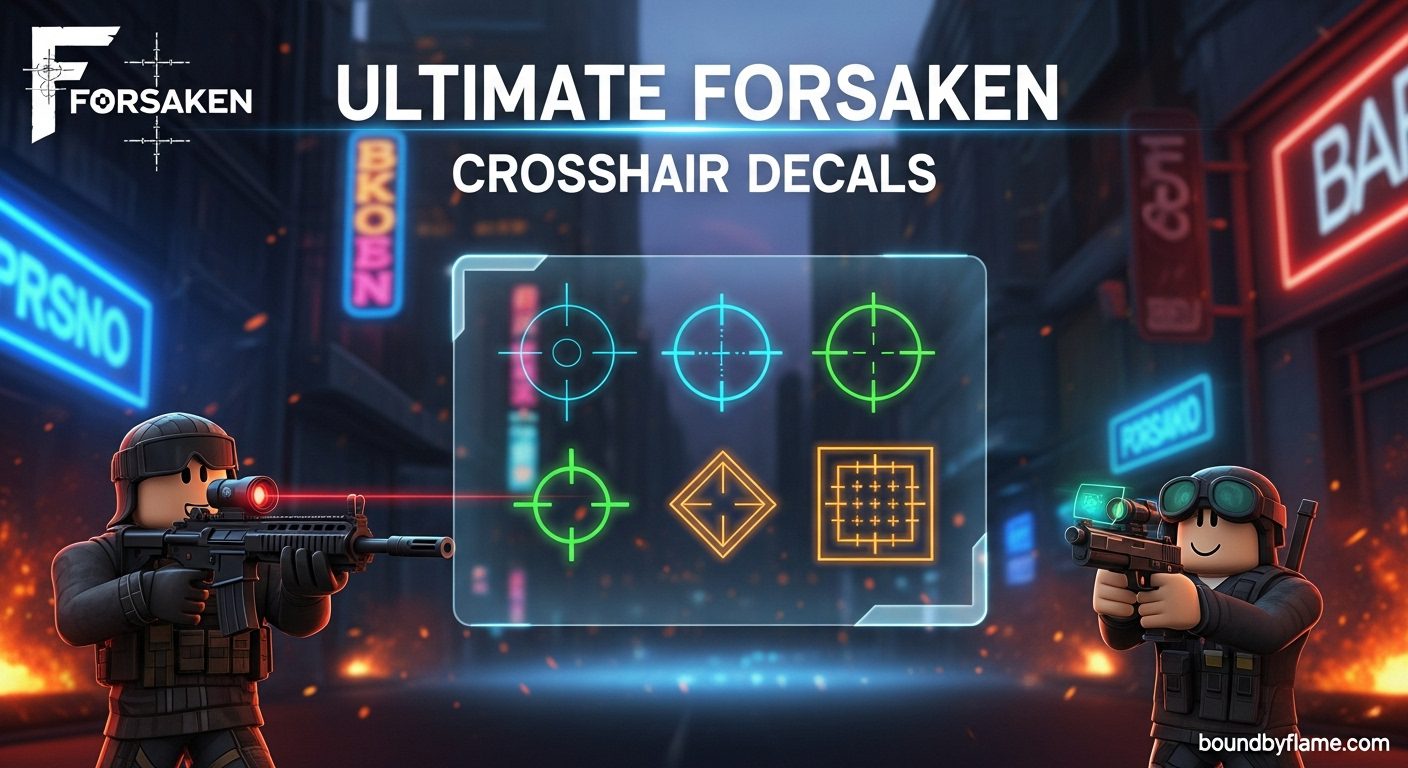

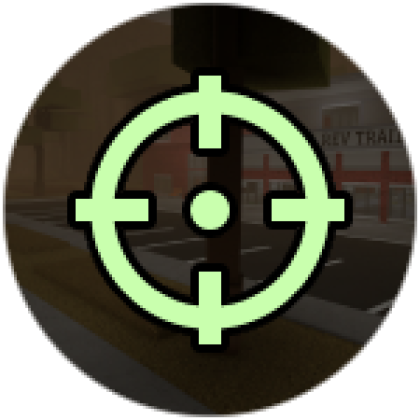


Ultimate Forsaken Crosshair Decals March 2026 Ultimate Forsaken Crosshair Decals . Struggling With Aim What Are Crosshair Roblox Codes Forsaken Roblox Crosshair ID . Struggling With Aim What Are Crosshair Roblox Codes Png. Struggling With Aim What Are Crosshair Roblox Codes Xsmall Crosshair Fc1551931a . Da Hood Crosshair Decal IDs June 2026 RoCodes 4941755400
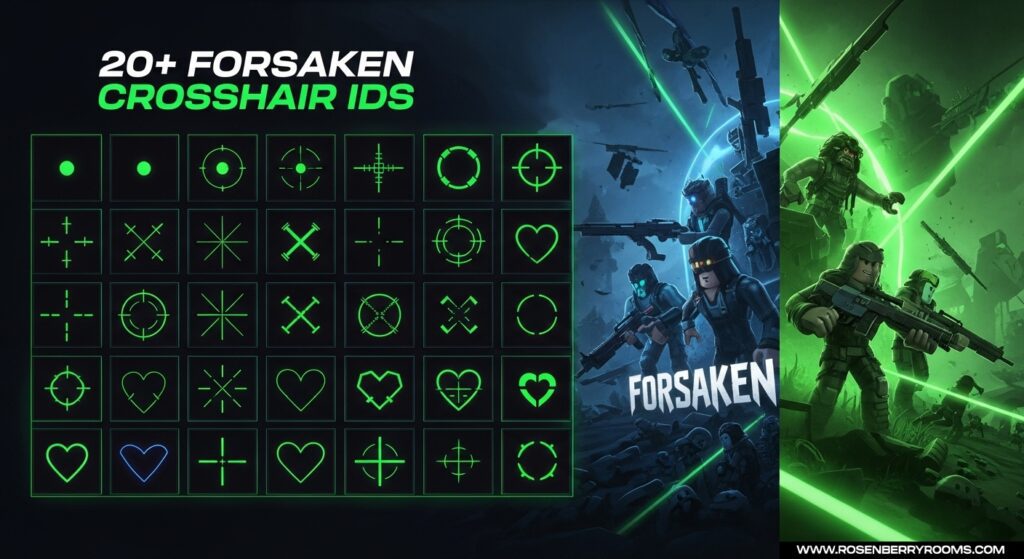

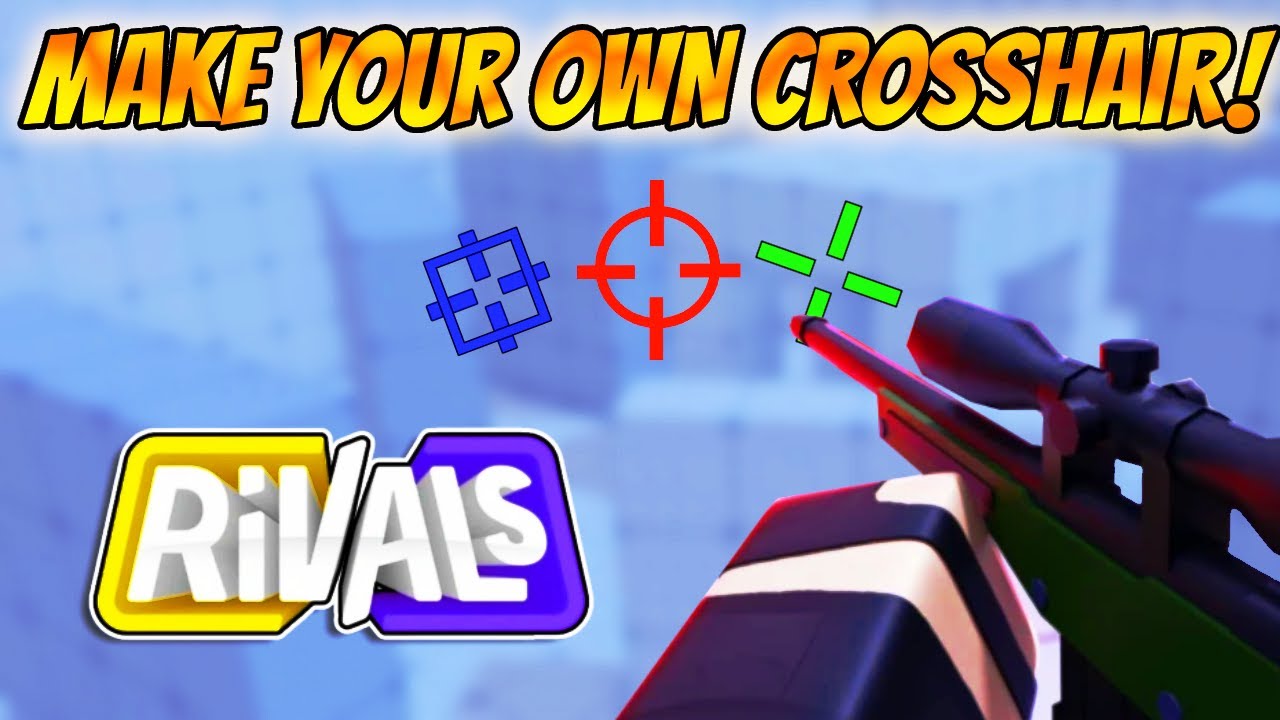
Roblox Crosshair Codes RoCodes Gg RoCodes 8440390055 . 20 Decal ID Crosshairs For Forsake June 2026 Decal ID Crosshairs For Forsake 1024x559 . Da Hood Crosshair Decal IDs June 2026 RoCodes 3750055370 . Struggling With Aim What Are Crosshair Roblox Codes . Crosshair NoFilter

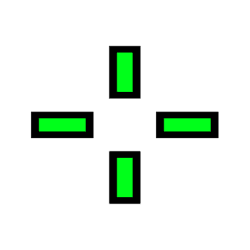
Da Hood Crosshair Decal IDs June 2026 RoCodes 86241006 . Da Hood Crosshair Decal IDs June 2026 RoCodes 10686060 . Page 7 10M Roblox Image IDs Search All Decal IDs 2026 Roblox Den Xsmall Crosshair 247a54d325 . Struggling With Aim What Are Crosshair Roblox Codes 11754490336 . Struggling With Aim What Are Crosshair Roblox Codes 7019318577
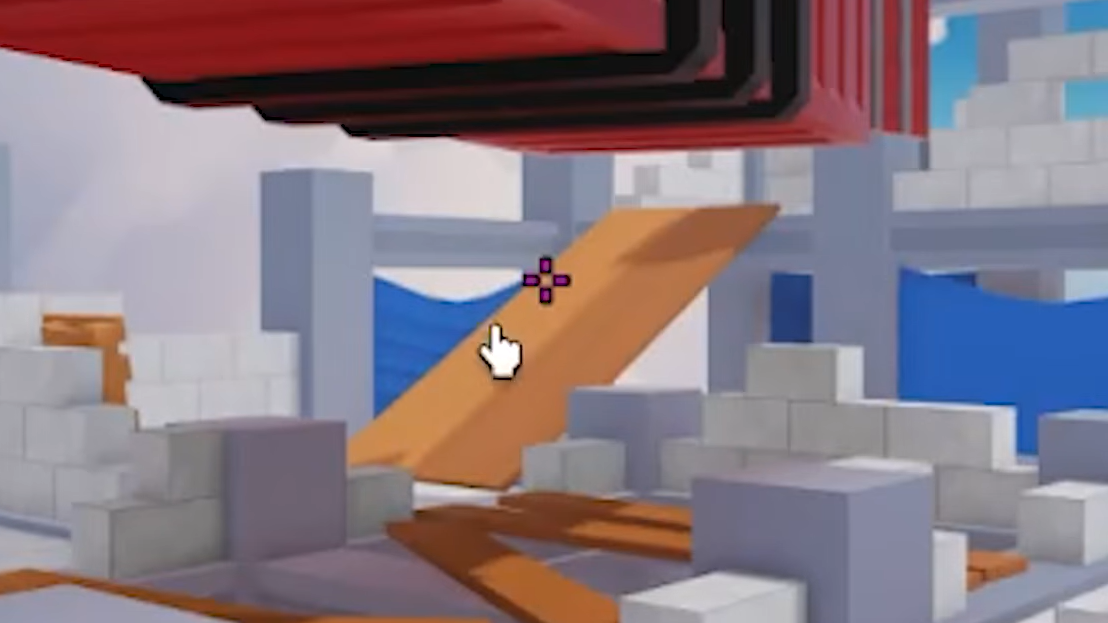


50 Best Roblox Crosshair Decal ID Codes 2026 Pro Game Guides Featured 50 Best Roblox Crosshair Decal ID Codes . Roblox Crosshair Decal IDs 2026 50 Best Codes Shigjeta Net Image 1626 1 . Roblox Crosshair Decal IDs 2026 50 Best Codes Screenshot 2026 03 18 133545 1 . Struggling With Aim What Are Crosshair Roblox Codes . Roblox Crosshair Decal IDs For Counter Blox Da Hood Etc



How To GET A CUSTOM CROSSHAIR In Arsenal Roblox Arsenal YouTube . Struggling With Aim What Are Crosshair Roblox Codes Small Crosshair 0af064a49c . Page 39 10M Roblox Image IDs Search All Decal IDs 2026 Roblox Den Xsmall Pink Crosshair Fec4a66a24 . Crosshair NoFilter. Page 47 10M Roblox Image IDs Search All Decal IDs 2026 Roblox Den Small Crosshair Icon 512x512 C3rqab14 886ebdceb6


Crosshair For Good Aim NoFilter. Roblox Crosshair Decal IDs For Counter Blox Da Hood Etc. Page 47 10M Roblox Image IDs Search All Decal IDs 2026 Roblox Den Xsmall Badly Edited Crosshair 4b417f097b . Roblox Crosshair Decal IDs 2026 50 Best Codes Image 1625 1 . Da Hood Crosshair Decal IDs June 2026 RoCodes 13763954073
Best Roblox Hypershot Crosshair Settings Guide March 2026 Roblox Hypershot Crosshair Settings Guide . Struggling With Aim What Are Crosshair Roblox Codes Rivals How To . Roblox Crosshair Decal IDs For Counter Blox Da Hood Etc. Crosshair NoFilter. 50 Best Roblox Crosshair Decal ID Codes 2026 Pro Game Guides Counter Blox Decal ID Codes