Navigating Roblox chat can be tricky, especially when your messages are riddled with hashtags, turning simple conversations into coded puzzles. This comprehensive guide, focused on "13 disable hashtags roblox," delves into why Roblox implements such stringent filtering and, more importantly, how you, a busy gamer balancing life and leisure, can effectively communicate without constantly triggering these digital censors. We'll explore common phrases, game-specific contexts, and practical strategies to ensure your in-game communication is clear, concise, and frustration-free. Understand the system, learn the workarounds, and reclaim your chat experience. Discover techniques to bypass arbitrary restrictions and enhance your social gameplay, making every interaction smoother and more enjoyable. Stay current with filtering trends and optimize your Roblox sessions.
What exactly are hashtags in Roblox chat and why do they appear?
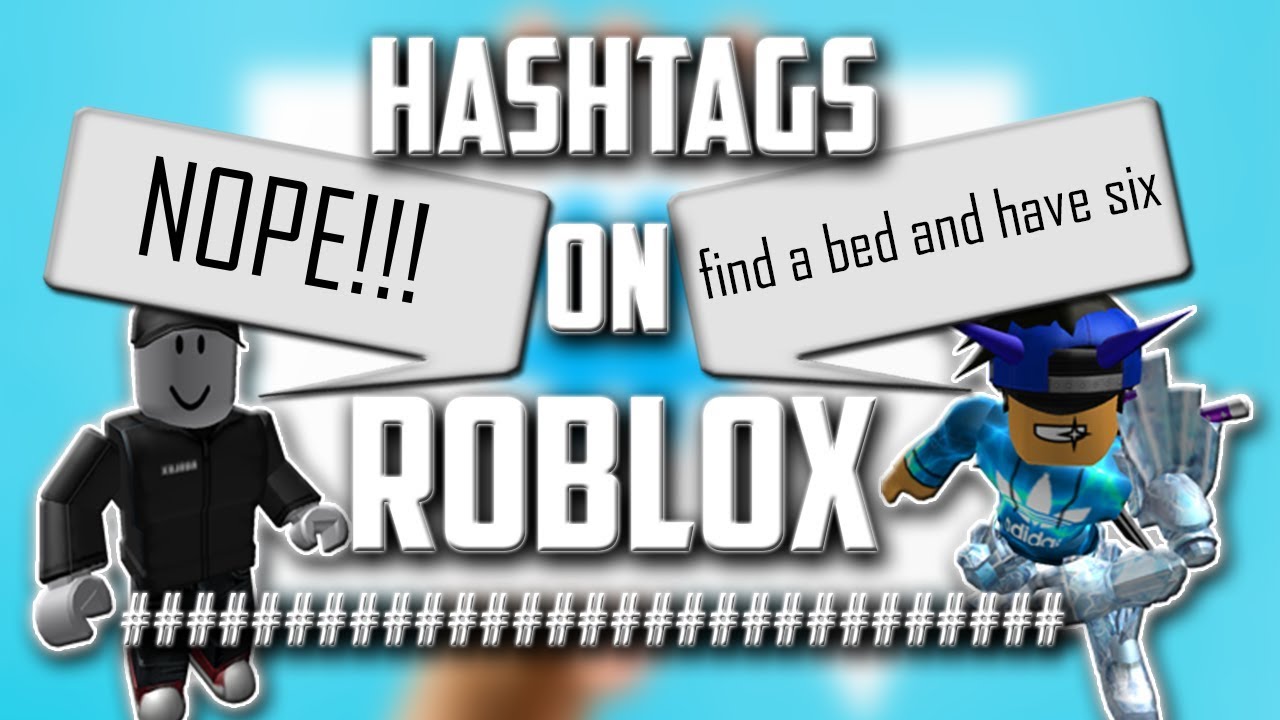
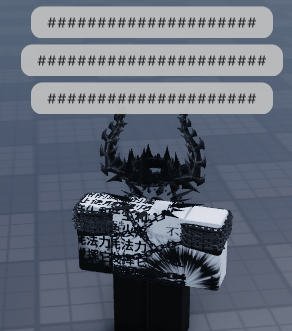
In Roblox, hashtags ('#######') appear when the platform's automated chat filter detects content it deems inappropriate or sensitive. This system protects its younger audience from offensive language, personal information, or content violating community standards. For adult gamers seeking clear communication, it means adapting to avoid flagged words, phrases, or numerical patterns used to share external links or personal data. When the filter finds a match, the detected content is replaced with hashtags, making it unreadable.
Why does Roblox implement such stringent chat filtering?
Roblox implements stringent chat filtering to ensure child safety and comply with regulations like COPPA. With a large portion of its user base under 13, a robust filter prevents bullying, sharing of personal info, scams, and exposure to mature themes. While crucial for safety, this broad approach can frustrate adult gamers who value clear communication for social play. The system aims to balance a safe environment with enabling interaction.
How can I communicate effectively without triggering Roblox hashtags?
To communicate effectively without triggering Roblox hashtags, focus on understanding the filter's patterns and adapting your language. Since you can't truly 'disable' the server-side filter, use synonyms, rephrase sentences, or break down complex ideas into simpler, filter-friendly terms. Avoid common trigger phrases and develop a 'Roblox-speak' by focusing on descriptive, clear language. Creative rephrasing and simplicity are key to getting your message across clearly.
Are there specific words or phrases that almost always get hashtagged?
Yes, certain categories of words and phrases are almost always hashtagged in Roblox. These include profanity, slurs, sexually suggestive terms, hate speech, and any attempts to share personal information like phone numbers or external links. References to drugs or alcohol, threats, spam, controversial topics, and specific number/character combinations used for bypassing filters are also highly likely to be flagged. The filter often considers context, not just individual words.
Does my account type affect how Roblox chat filters work?
Yes, your account's age setting significantly affects chat filtering. Accounts under 13 have the most restrictive 'Safe Chat,' often limiting communication to pre-approved phrases. Accounts 13 and older have a less stringent filter, offering more freedom but still actively censoring inappropriate content. Adult gamers should ensure their account age is set correctly to avoid the most aggressive filters, though the core server-side filtering remains active regardless of age.
How can adult gamers optimize their Roblox experience despite chat filters?
Adult gamers can optimize their Roblox experience by leveraging external communication tools like Discord for deeper social interaction and strategic planning, especially when in-game chat proves too restrictive. Focusing on clear, concise, and filter-friendly language for in-game messages, utilizing game-specific terminology, and ensuring their Roblox account age is correctly set (13+) helps. Adapting communication strategies allows for more fluid social play and minimizes frustration, enabling a better balance between gaming and life responsibilities.
What are the common strategies for teaching younger players about Roblox chat safety and filters?
Common strategies for teaching younger players about Roblox chat safety and filters include explaining the purpose of filters (to keep everyone safe), encouraging them to use descriptive language, and stressing the importance of never sharing personal information. Parents should supervise chat, utilize Roblox's parental controls for age restrictions, and teach children to rephrase messages if they get hashtagged rather than getting frustrated. This approach fosters both online safety and effective communication skills.
Why might '13 disable hashtags roblox' be a misleading search query for gamers?
The query '13 disable hashtags roblox' is misleading because users cannot truly 'disable' Roblox's server-side chat filter, which is a core safety feature. Instead, the intent behind such a query is often to understand *why* certain words are hashtagged and *how to communicate effectively without triggering* these filters. The '13' likely refers to a user's frustration with numerous filtered phrases, seeking ways to navigate rather than deactivate the system.
Hey fellow gamers! Ever been in the middle of an epic Roblox session, trying to coordinate with your team or just chat with friends, only to have your perfectly clear message turn into a jumbled mess of hashtags? You type something, hit enter, and poof! #########. It's frustrating, right? Especially when you're squeezing in game time between work, family, and other commitments, the last thing you need is to spend precious minutes deciphering or retyping messages. You're not alone in wondering why this happens and, more importantly, how to communicate effectively without tripping Roblox's strict filters. Many players, just like you, want a smoother, more direct way to engage in the vibrant Roblox community. It’s about more than just avoiding a few censored words; it’s about understanding the system and making your gameplay more enjoyable and less about battling an unseen censor.
Roblox is a massive platform, with millions of users worldwide, including a significant portion of US gamers who play regularly – an estimated 87% of gamers spend 10+ hours a week in virtual worlds. A huge part of this experience is social interaction, whether it's trading, collaborating on builds, or just hanging out. But with a diverse age range, safety is paramount, leading to robust chat filtering. While this protects younger players, it can feel overly restrictive for adult gamers simply trying to connect. This guide will demystify the infamous "13 disable hashtags roblox" phenomenon, explaining why your messages get filtered and providing practical, up-to-date strategies to help you navigate the chat system like a pro. We'll show you how to communicate clearly, avoid common pitfalls, and make your Roblox experience as fluid and fun as it should be, without resorting to constant rephrasing or frustration. Let's get your messages heard, not hashtagged!
What Exactly Are Hashtags in Roblox Chat and Why Do They Appear?
In Roblox, hashtags (or '#######') appear when the platform's automated chat filter detects content it deems inappropriate or sensitive. This system is designed primarily to protect its younger audience from offensive language, personal information, or any content violating its community standards. For adult gamers who just want to communicate without hassle, it can often feel like an overzealous nanny. The filter processes every message sent through Roblox chat, cross-referencing it with an extensive database of prohibited words, phrases, and even certain numerical patterns or character combinations that could be used to share external links or personal data. When a match is found, that specific word or phrase is replaced by hashtags, rendering it unreadable.
Why Does Roblox Implement Such Stringent Chat Filtering?
Roblox's stringent chat filtering stems from its commitment to child safety and compliance with online safety regulations, like COPPA in the US. With a substantial portion of its user base being under 13, Roblox must create a safe digital environment. While this protection is crucial, it often means the filter is broad, catching legitimate conversations along with truly problematic content. For gamers aged 36 and up, who represent a significant segment of the gaming population and value clear communication, this blanket approach can be frustrating. The goal is to prevent bullying, sharing of personal information, scams, and exposure to mature themes, but it often impacts casual adult banter too, making social play harder than it needs to be.
How Can Adult Gamers Effectively Communicate Without Triggering Hashtags?
Effective communication in Roblox for adult gamers hinges on understanding the filter's patterns and adapting your language. Instead of trying to "disable" the hashtags (which isn't truly possible as it's a server-side filter), focus on avoiding the triggers. This often means using synonyms, slightly rephrasing sentences, or breaking down complex ideas into simpler, filtered-friendly terms. For instance, rather than typing a potentially flagged word, try describing it in a different way. Many active gamers have developed a kind of "Roblox-speak" to navigate these filters, focusing on descriptive language and avoiding common trigger phrases. Think creatively about how you phrase things, and remember, clarity often comes from simplicity within this system.
Are There Specific Words or Phrases That Almost Always Get Hashtagged?
Yes, certain categories of words and phrases are almost guaranteed to trigger the Roblox chat filter. These include profanity (even mild forms), references to drugs or alcohol, sexually suggestive terms, hate speech, and any attempts to share personal information like phone numbers, email addresses, or external social media handles. Even seemingly innocent words can be flagged if they're part of a larger phrase that the filter has identified as problematic, or if they're commonly used as substitutes for restricted terms. It's not always about the single word, but the context and the potential for misuse. This is particularly noticeable with numbers or symbols that could represent sensitive data.
Does My Account Age or Type Affect How Roblox Chat Filters Work?
Absolutely, your account's age setting significantly impacts the level of chat filtering you experience. Accounts set to an age under 13 typically have the most restrictive chat filters, often referred to as 'Safe Chat,' where only pre-approved phrases can be used or very limited freeform text. For accounts 13 and older, the filter is less stringent but still active. While you gain more freedom in communication, you'll still encounter hashtags for inappropriate content. It's crucial for adult gamers to ensure their account's age is set correctly to bypass the most aggressive filters. However, even with an '13+' account, the core server-side filtering system remains in place, adapting to new problematic phrases or emerging online safety concerns.
What Are the 13 Common Reasons Your Roblox Messages Get Hashtagged?
While the exact list of filtered words is constantly updated, there are common categories that account for many of the "13 disable hashtags roblox" frustrations. These broadly include: 1) Profanity and vulgar language, 2) Slurs and hate speech, 3) Sexually explicit or suggestive content, 4) Personal identifiable information (PII) like names, addresses, phone numbers, 5) External links or references to non-Roblox sites/platforms, 6) Drug or alcohol references, 7) Threats or bullying language, 8) Spam or scamming attempts, 9) Controversial political/religious discussion, 10) Impersonation attempts, 11) Specific numbers/character combinations (often used to bypass filters), 12) Self-harm or violent content, and 13) Discussions of illegal activities. Understanding these overarching themes helps predict and avoid filter triggers.
Are There Any Third-Party Tools or Methods to "Disable" the Filter?
Beware of any claims about third-party tools or methods promising to "disable" the Roblox chat filter entirely. These are almost always scams, can compromise your account security, or lead to a ban. Roblox's filtering system is implemented server-side, meaning it's processed on their servers before it even reaches your screen or other players. There's no client-side modification that can bypass it safely or legitimately. Relying on such tools puts your account and personal data at significant risk. The safest and only legitimate approach is to adapt your communication style within the game's existing framework, focusing on understanding and navigating the official filtering system.
How Can I Report Overly Aggressive Filtering or False Positives?
If you encounter instances where a seemingly innocent word or phrase is consistently hashtagged, you can report it to Roblox. While the system is automated, Roblox does review feedback to refine its filters. To report, navigate to the chat window, click the gear icon (settings), and look for a 'Report a Bug' or 'Contact Support' option. Clearly describe the word/phrase and the context in which it was used. While individual reports might not immediately change the system, collective feedback from the community, especially from mature players, helps Roblox improve its filtering accuracy over time. This ongoing dialogue helps fine-tune the balance between safety and free expression.
What Are the Best Practices for Clear Team Communication in Roblox Games?
For clear team communication in Roblox games, especially when time is of the essence, focus on brevity and universally understood terms. Avoid slang that might be filtered. Use game-specific terminology where possible. If your team uses an external voice chat platform like Discord (many gamers, especially those balancing life and gaming, find this essential for deeper social play), leverage that for critical coordination. For in-game chat, simplify instructions, use numerical callouts for locations if applicable, and establish a common vocabulary with your teammates. Pre-game planning using external comms can also preempt chat issues. Remember, 87% of US gamers value social play, so effective communication is key to success.
How Can I Teach Younger Family Members to Navigate Roblox Chat Responsibly?
Teaching younger family members to navigate Roblox chat responsibly involves open communication and setting clear boundaries. Explain to them why the filters exist – to keep everyone safe. Encourage them to use descriptive language instead of trying to force flagged words. Advise them never to share personal information, even if prompted. Supervise their chat initially, and use the parental controls available in Roblox to set appropriate age restrictions. For gamers balancing family life, understanding how to manage these settings is crucial. Reinforce the idea that if something gets hashtagged, it's usually for a good reason, and they should try rephrasing rather than getting frustrated. This builds both safety and communication skills.
What Are Some Common Alternatives to In-Game Chat for Deeper Social Interaction?
For adult gamers seeking deeper, unfiltered social interaction beyond Roblox's in-game chat, several alternatives are popular. Discord servers are a dominant choice, offering voice chat, text channels, and robust community management features. Many Roblox groups or communities have their own Discord presence, allowing for real-time strategy discussion, casual banter, and building friendships without filter constraints. Other options include private messaging on external platforms agreed upon by friends, or using game-specific voice chat if available and accessible to your group. With 60% of gamers valuing social play, these external tools become vital for truly connecting and enhancing the gaming experience, especially for those who cherish their limited gaming time.
How Does Roblox Update Its Chat Filter, and How Can I Stay Current?
Roblox constantly updates its chat filter algorithm and word lists to adapt to new slang, emerging online threats, and user feedback. These updates are typically rolled out silently in the background, making it hard to track specific changes. To stay current, monitor official Roblox news channels, community forums, and reputable gaming news sites. Often, experienced players share observations about new filter behaviors. The best way to stay informed is to be an active, observant participant in the community and to always test new phrases cautiously. Remember, the system is designed to evolve with internet trends, so what was fine last month might be filtered today. This month's trends continue to highlight adaptive AI filtering.
Can Using Emojis or Non-Standard Characters Help Bypass Filters?
While using emojis or non-standard characters might sometimes bypass filters for a short period, it's not a reliable or recommended long-term strategy. Roblox's filter is sophisticated and often recognizes patterns, not just exact word matches. Overuse of emojis or deliberate misspellings to evade filters (known as 'leetspeak' or 'bypassing') can often still trigger the system or make your message unreadable anyway. Furthermore, intentionally trying to bypass filters goes against Roblox's terms of service and could lead to account penalties. The best approach remains clear, direct, and filter-friendly communication, rather than trying to trick the system with potentially flagged character combinations.
Navigating Roblox chat doesn't have to be a constant struggle against invisible censors. By understanding why the filters exist, how they operate, and adapting your communication style, you can reclaim your social gaming experience. Remember, the goal isn't to truly "disable" Roblox's essential safety features, but to master communication within its framework. For busy gamers who value their relaxation and social connections, a clearer chat means more fun and less frustration. Keep these tips in mind, communicate smartly, and keep building those connections. What's your biggest gaming challenge when it comes to in-game communication? Comment below!
FAQ Section
Q: Why are my numbers getting hashtagged in Roblox?
A: Numbers often get hashtagged in Roblox to prevent the sharing of personal information like phone numbers, addresses, or external links disguised as numbers. Even seemingly innocent number sequences can be flagged if they resemble common PII patterns or are used to bypass filters.
Q: Is there a way to turn off Safe Chat in Roblox for adult accounts?
A: For accounts with an age set to 13 or older, 'Safe Chat' (the most restrictive filter for under 13s) is automatically disabled. You'll still have a filter, but it's less restrictive. Ensure your account's age is accurately set in your Roblox settings.
Q: Can I get banned for trying to bypass Roblox chat filters?
A: Yes, intentionally and repeatedly attempting to bypass Roblox chat filters, especially with inappropriate content, violates their terms of service and can lead to warnings, temporary suspensions, or even permanent account bans. It's always best to communicate responsibly.
Q: Does joining a private server reduce chat filtering?
A: No, joining a private server does not reduce chat filtering. Roblox's chat filter is a platform-wide, server-side system that applies to all servers, public or private, to maintain consistent safety standards across the entire game.
Q: Why does Roblox filter words that aren't offensive?
A: Roblox's filter can sometimes catch non-offensive words due to context, phonetic similarities to banned words, or because they are part of a larger phrase identified as problematic. The filter errs on the side of caution to protect its diverse user base, especially children.
Q: How can I tell if a word is likely to be filtered before I send it?
A: Unfortunately, there's no official way to pre-test words. Experience and observing what gets filtered will be your best guide. Generally, avoid profanity, PII, external links, and any sexually suggestive or hateful language. If in doubt, rephrase for clarity.
Q: What's the difference between a 13+ account and an under 13 account regarding chat?
A: Accounts under 13 have the most restrictive 'Safe Chat' filter, limiting communication to pre-approved phrases and very strict freeform text. 13+ accounts have a less restrictive filter, allowing more freeform text but still censoring inappropriate content as per Roblox's community standards.
Q: Are the '13 disable hashtags roblox' filters different for different games?
A: The core chat filtering system is platform-wide and consistent across all Roblox games. However, individual game developers might implement additional, custom filters within their specific game experiences, meaning you could encounter further restrictions in certain titles.
Understand Roblox chat filters, Learn to avoid 13 common hashtag triggers, Improve in-game communication clarity, Strategies for effective social play, Optimize chat for a better Roblox experience, Realize limitations of chat disabling, Practical tips for all Roblox players.
35


If HASHTAGS Were REMOVED From ROBLOX Chat YouTube . Roblox Is REMOVING Chat For Under 13 Users YouTube . If Hashtags Were Removed From ROBLOX YouTube Hqdefault . Roblox How To Remove Hashtags Or Moderation In Roblox YouTube Hqdefault . Reddit The Heart Of The Internet Roblox Is Going To Remove The Official Badges In Early 2026 V0


Roblox Will Be Removing Chat For Under 13 Users YouTube . Want To Disable Roblox Captures Here S How Disable Ui Navigation Robloxbralt Disable UI Navigation Roblox . HOW TO STOP HASHTAGS IN ROBLOX YouTube . Roblox S New Chat Rules Explained January 2026 Roblox New Chat Rules . Completing The Dynamic Head Migration Developer Forum 2 1023x728


Want To Disable Roblox Captures Here S How . How To Disable UI Navigation In Roblox PC H Ng D N Chi Ti T V L I Ch . How To Disable Account On Roblox Apps Roblox . How To Change Account AGE To 13 In Roblox Turn Off Safe Chat 2022 . Want To Disable Roblox Captures Here S How


ROBLOX Filter System Hashtags YouTube . Want To Disable Roblox Captures Here S How . Want To Disable Roblox Captures Here S How . Want To Disable Roblox Captures Here S How . Roblox Will Remove Community Badges In 2026 Fandom 8f484067 F597 4c42 82e7
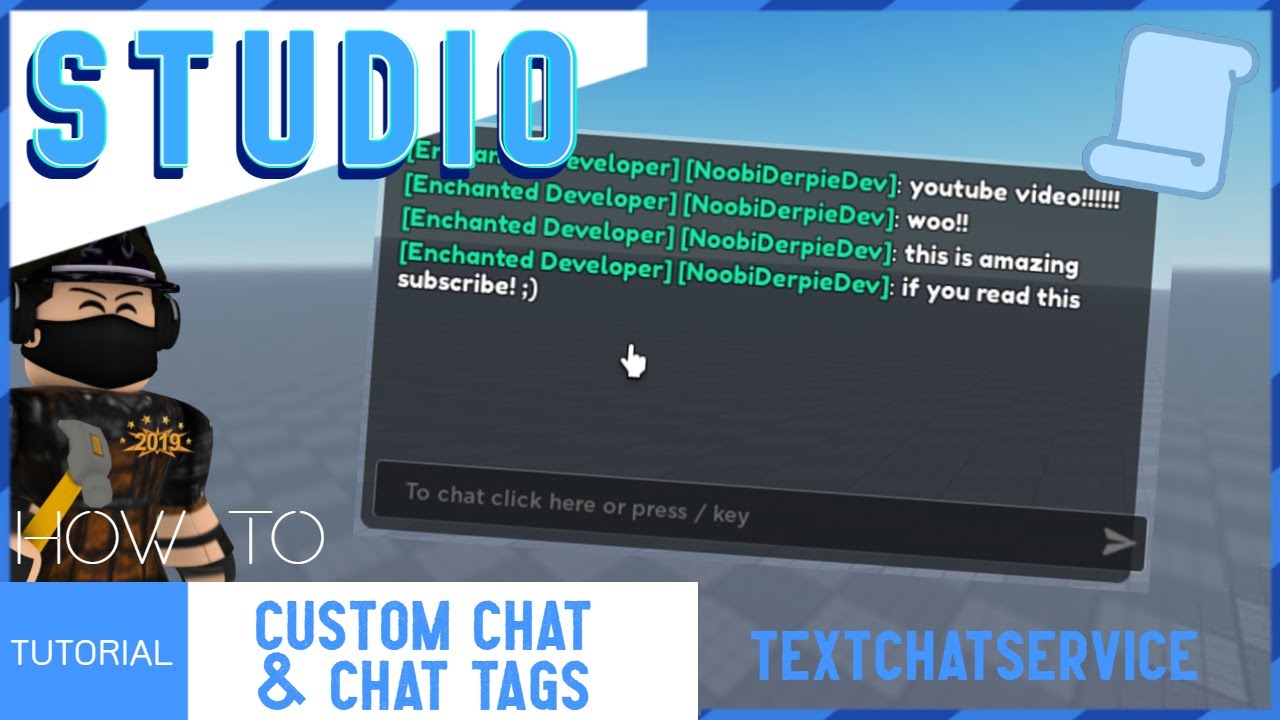


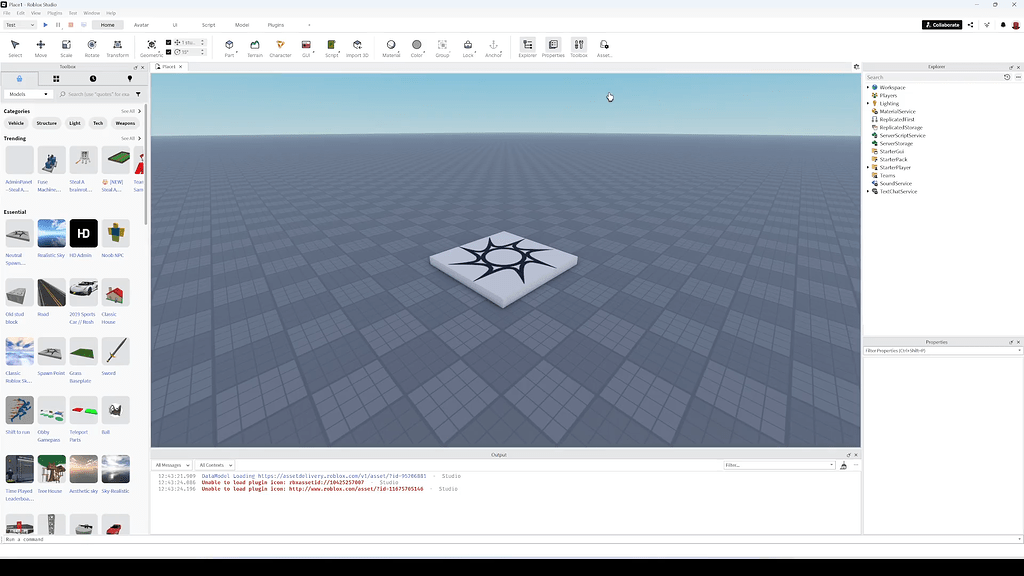
Roblox Studio Chat H Ng D N V M O Th C H Nh . How To Get Rid Of Hashtags Roblox YouTube Hqdefault . Roblox Remove Hashtags YouTube . How To Disable Roblox Studio S New UI Community Tutorials Developer 2 1024x576 . How To Delete A Roblox Account And Recover It Later If Needed Image




Want To Disable Roblox Captures Here S How . Want To Disable Roblox Captures Here S How . Roblox Trending Hashtags 2026 0 Tps 1750 1360 480x480q80 . February 6 2026 An Update On Our Age Check To Chat Fast Follow . How To Message On Roblox 2026 A Quick Guide



Roblox 2026 Logo Roblox YouTube Oar2 . HOW TO REMOVE ROBLOX FOR PLAYER 13 ONLY YouTube Hqdefault . Roblox Tags Lol Meme Roblox Tags Lol Discover Share GIFs Roblox Tags Lol . Why Did Roblox Remove Headless The Full Story Behind Its Absence Headless Roblox Item Guide 2.webp. Want To Disable Roblox Captures Here S How