Unlock the true potential of your Roblox games by mastering FindPartOnRayWithIgnoreList. This comprehensive guide navigates through its core functionalities, offering crucial insights for developers. Discover how this powerful raycasting function enhances game precision, improves hit detection, and streamlines collision logic. Learning to effectively utilize FindPartOnRayWithIgnoreList can transform your game development projects. It allows for advanced interactions, prevents unwanted self-collisions, and builds more dynamic environments. This knowledge is essential for creating polished and professional Roblox experiences that truly stand out in the competitive platform. We will explore practical applications across genres, from fast-paced FPS games to intricate RPG worlds. Get ready to elevate your scripting skills with this vital Roblox API.
What is the primary benefit of FindPartOnRayWithIgnoreList in Roblox scripting?
The primary benefit is precise collision detection by allowing developers to exclude specific parts from a raycast. This prevents unwanted hits on objects like the player's own character or decorative elements. It ensures accurate interaction with intended targets, streamlining game logic for shooting or ability activation.
How do I make a ray ignore a player's character in Roblox?
To make a ray ignore a player's character, you must create an ignoreList table and add the player's Character model to it. Then, pass this table as the second argument to the FindPartOnRayWithIgnoreList function. For example, local ignoreList = {player.Character} would achieve this, preventing self-hits.
Can I add multiple objects to the ignoreList in FindPartOnRayWithIgnoreList?
Yes, you can absolutely add multiple objects to the ignoreList. The ignoreList is a standard Lua table, allowing you to include as many instances as needed. Simply separate each object with a comma within the table definition. This flexibility makes it powerful for complex scenarios requiring numerous exclusions.
What is the return value of FindPartOnRayWithIgnoreList?
FindPartOnRayWithIgnoreList returns three values: the BasePart that was hit, the Vector3 position of the hit, and the Vector3 surface normal of the hit. These returned values provide crucial information for handling collisions accurately. If no part is hit, the function returns nil for all three values, allowing for robust error handling.
Does FindPartOnRayWithIgnoreList impact network performance in Roblox?
FindPartOnRayWithIgnoreList primarily operates locally on the client or server where it is called. While the results of raycasts might be communicated across the network for game logic, the function itself is computationally efficient. Its direct impact on network performance is negligible, though poor overall game design could cause issues.
Ever wonder how some Roblox games achieve such incredible precision in their hit detection or interactive environments? Do you often find your rays hitting unintended objects, causing frustrating glitches? Well, you are not alone in this common developer challenge. Mastering the FindPartOnRayWithIgnoreList Roblox function is a game-changer for serious creators. This guide will help you understand and implement this powerful tool, dramatically improving your game's accuracy and performance.
Guide to FindPartOnRayWithIgnoreList Roblox Scripting
We're diving deep into an essential Roblox scripting function. You will learn what FindPartOnRayWithIgnoreList does, why it matters for your projects, and how to use it effectively. Prepare to gain actionable insights into building more polished and bug-free experiences for your players. This knowledge will set your game development skills apart from the rest.
Understanding Roblox Raycasting Essentials for Developers
What is raycasting in Roblox? This fundamental concept lets your game detect objects along a precise virtual line. Imagine firing an invisible laser from one point to another; raycasting simply tells you what that laser hits first. It is crucial for almost every interactive system within a game, from shooting mechanics to checking player line of sight.
Why is precise raycasting important for your games? Accurate detection enhances player immersion and gameplay fairness in every Roblox experience. Inaccurate raycasts can lead to frustrating moments for players, like bullets passing through enemies or abilities failing to connect. Precision ensures reliable interactions and a smooth, enjoyable user experience.
The Power of FindPartOnRayWithIgnoreList Roblox
What makes FindPartOnRayWithIgnoreList unique? This powerful function allows developers to ignore specific parts during raycasting. Unlike its simpler counterpart, FindPartOnRay, this version provides an essential layer of control. It prevents your ray from registering hits on objects you explicitly want it to bypass, leading to much cleaner logic.
How does the ignoreList parameter function? You provide a Lua table of objects the ray should simply pass through, as if they were not even there. This ignoreList becomes your filter, letting you customize ray behavior exactly as needed. It's a key feature for creating sophisticated and responsive game mechanics efficiently.
- Practical uses for FindPartOnRayWithIgnoreList include precise weapon hit detection.
- You can also utilize it for creating interactive objects, ensuring rays only target interactables.
- It is also perfect for nuanced character movement abilities, avoiding self-collision checks.
- Developers frequently use it to prevent rays from hitting the player's own character model or equipped items.
Implementing FindPartOnRayWithIgnoreList Step by Step
Setting up your ray for optimal results is crucial for successful detection. Begin by defining a Ray.new with a starting position and a direction vector. The direction vector determines the ray's path and length, acting as its invisible trajectory. This initial setup establishes the fundamental properties of your ray for the engine.
Creating and managing your ignoreList effectively improves your game's performance and accuracy. Always build a Lua table containing all the instances you want to exclude from the raycast. This table should contain references to BaseParts, Models, or even entire Characters that the ray should simply ignore. For instance, ignoreList = {player.Character}.
For example, avoiding self-hits in an FPS game means adding the player's character model to the ignoreList. This prevents shots from registering on the shooter's own body, ensuring fair gameplay. Imagine a bullet firing from a player's gun; without an ignoreList, it might instantly hit the player's arm or torso. This crucial step enhances realism and prevents frustrating misfires.
Advanced Techniques and Common Pitfalls with Raycasting
Optimizing performance with efficient ignoreLists is vital for smooth gameplay, especially in busy environments. Keep your ignoreList updated dynamically, removing objects that are no longer relevant for exclusion. For example, if a player is no longer holding a weapon, remove that weapon from their ignoreList. Avoid adding unnecessary items if they won't interfere.
When to use Blacklists versus IgnoreLists is a common question among scripters. Roblox's FindPartOnRayWithIgnoreList inherently uses an ignore list, meaning you specify what to *exclude*. There isn't a direct
Codes: Workspace:FindPartOnRayWithIgnoreList(ray, ignoreList). Tips: Use a Lua table for ignoreList, dynamically update for performance, visualize rays for debugging. Pros: Precise hit detection, avoids self-intersection, cleaner code, efficient collision checking, enhanced game logic. Cons: Requires careful ignoreList management; very large lists can have minimal overhead.
35




Calendar Club Definite Guide To Roblox 2026 Annual 1200x1769 . A Mother Or Father S Information To Utilizing Roblox In 2026 Ivugangingo 2026 Parental Guide For Roblox Usage UnicMinds . How To Add People Roblox Easily Your 2026 Guide . WOW The 2026 Roblox Logo Shocks All Players YouTube Maxres2 . Roblox 2026 Logo REVEALED New Color New Look YouTube Maxres2




Not Really Working Scripting Support . Prepare For 2026 With Roblox Trends TikTok Img. Roblox 2026 New Logo REVEAL First Look At The Future Shorts YouTube Oar2 . What Will Roblox Look Like In 2026 Blog Graphics 26 . ROBLOX EM 2026 VAI MUDAR TUDO YouTube
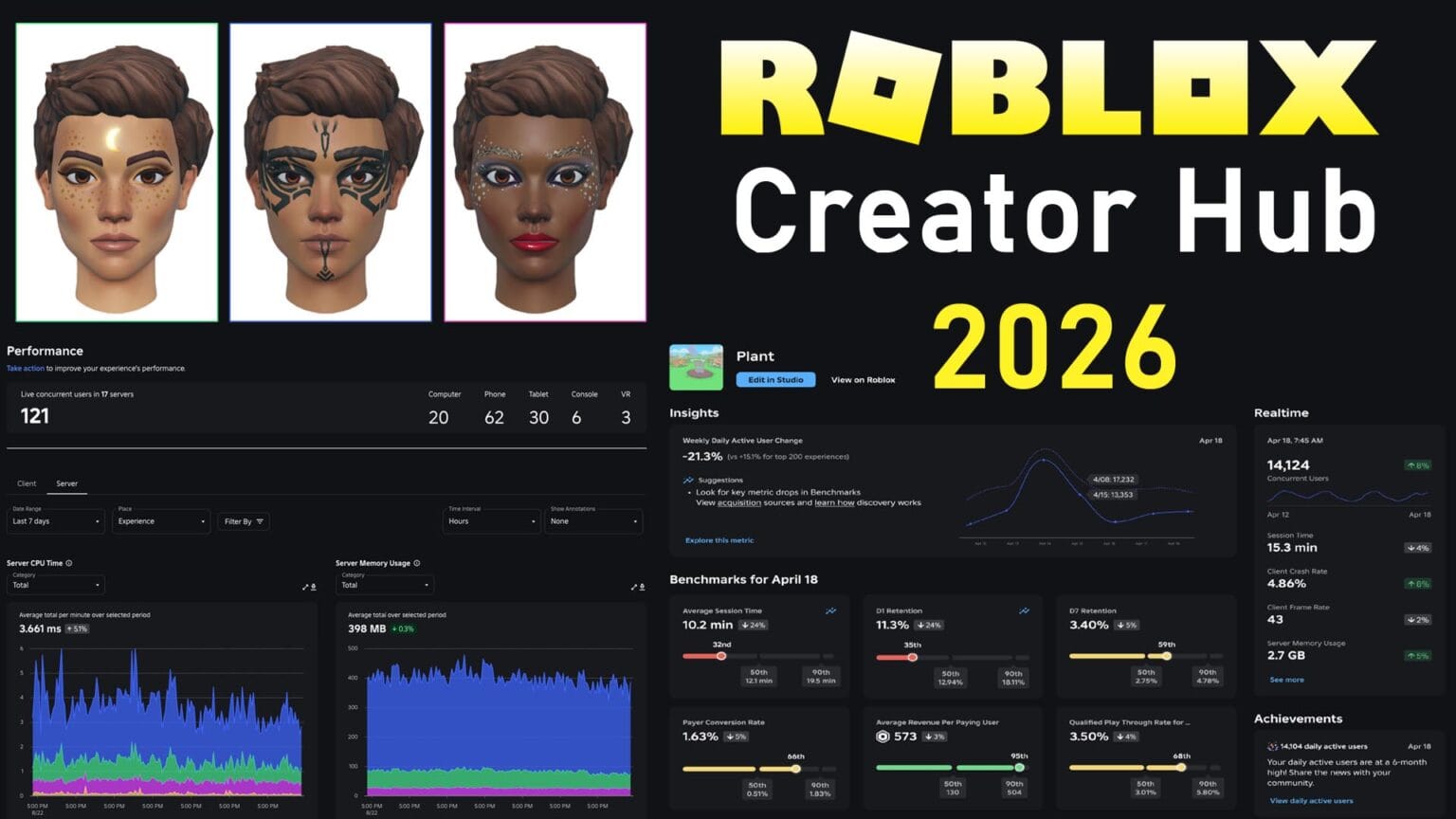



Roblox Creator Hub 2026 Studio UI Roadmap Guide Roblox Creator Hub 2026 1536x864 . Roblox 2026 01 02 23 26 06 TikTok Img. Roblox 2026 Logo YouTube Oardefault . Roblox 2026 YouTube Oar2 . With Mouse Filter Error Scripting Support




The ROBLOX Movie 2026 Official Teaser Trailer YouTube Hqdefault . 100 Unofficial Roblox Annual 2026 4687858526 5 . Roblox 2026 Logo Roblox YouTube Oar2 . 2026 Roblox NoFilter. Roblox En 2026 Roblox NoFilter


Like And Subscribe If U Want The Roblox Logo 2026 Will Be That Oar2 . How To Master Blind Shot Controls In Roblox 2026 Guide Roblox Slap Tower Codes . Rant Roblox 2026 New Update Looks Like There Is A New Roblox Update Media. LOGO Roblox 2026 YouTube Maxres2 . Roblox


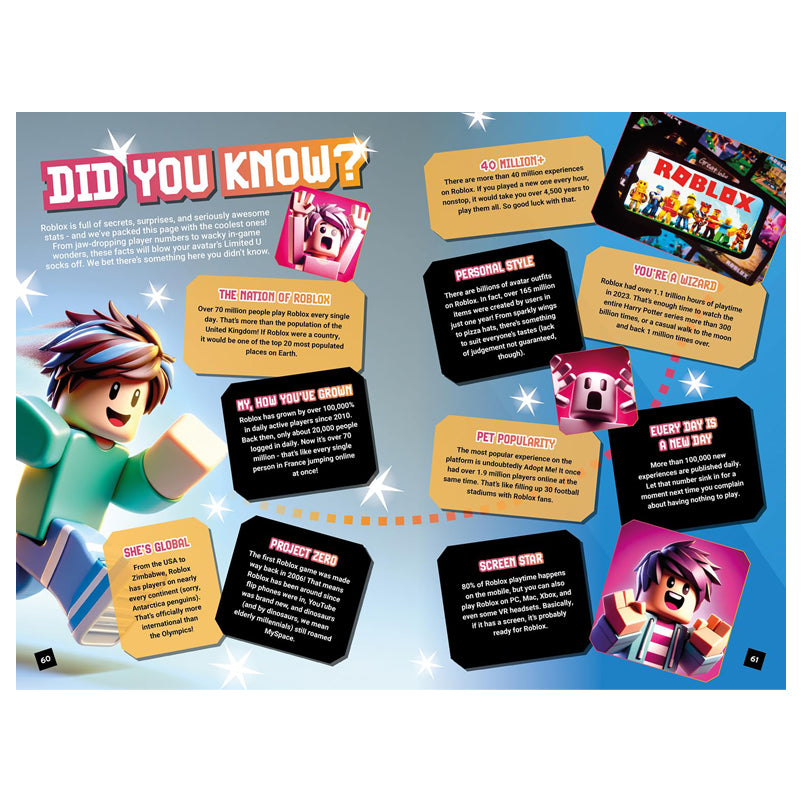

Roblox 2026 Logo Mp3 Mp4 Download Clip Africa Com Mqdefault . A Roblox Movie 2026 Teaser Trailer YouTube . Definitive Guide To Roblox 2026 Infinity TM 07169 Definitive Guide To Roblox 2026 3 . Definitive Guide To Roblox 2026 Infinity TM 07169 Definitive Guide To Roblox 2026 2 . Roblox The Movie 2026 V1



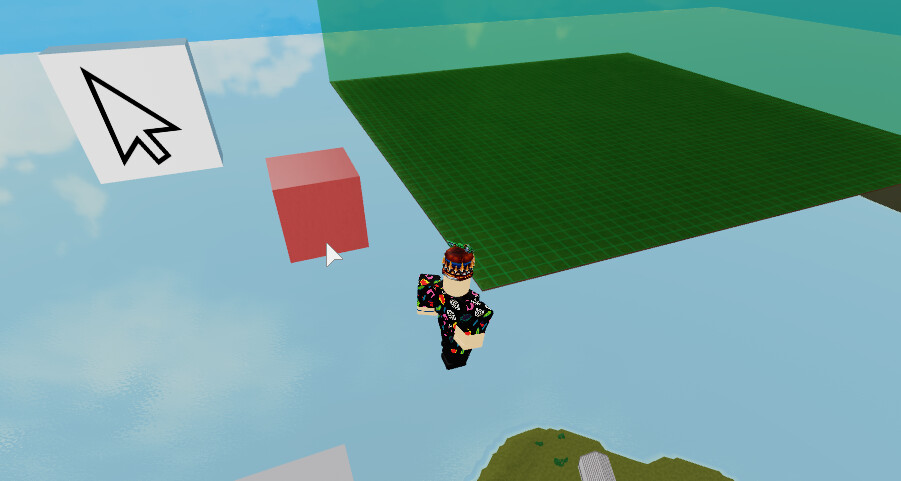

Roblox 2026 Complete Guide To Earning Robux Using Promo Codes And Roblox Appstore . Locking Pos To A 2 Stud Grid From . 15 Game Roblox Horror Terbaik 2026 15 Game Roblox Horror Terbaik 2026 Paling Seram And Bikin Deg Degan 7f944699ce . Not Really Working Scripting Support . Roblox 2026 Insider Reveals Platform Evolution Safety